


Understanding Argument Mapping Fundamentals
Defining Argument Mapping
Argument mapping is a powerful visual technique that revolutionizes how we approach critical thinking and decision-making. It involves breaking down complex arguments into their constituent parts and representing them in a clear, logical structure. This method allows us to see the relationships between claims, evidence, and objections more clearly than ever before.
Argument mapping is particularly useful when dealing with contentious issues or when trying to make sense of conflicting viewpoints. It's like creating a roadmap for your thoughts, helping you navigate through the maze of information and opinions we're often bombarded with. By laying out arguments visually, we can more easily identify strengths, weaknesses, and gaps in reasoning. This not only enhances our understanding but also improves our ability to communicate complex ideas effectively.
The process of argument mapping involves several key steps:
Identifying the main claim or conclusion
Breaking down supporting premises and evidence
Recognizing potential objections and counterarguments
Establishing logical connections between different elements
Visually representing these relationships in a clear, structured format
By following these steps, you can create a comprehensive visual representation of an argument, making it easier to analyze, evaluate, and communicate complex ideas.
Key Components of Argument Maps
When diving into argument mapping, it's crucial to understand the main building blocks that make up these visual representations:
Main claim or conclusion: The central idea you're trying to prove or disprove
Premises and evidence: Reasons and facts that bolster your argument
Objections and counterarguments: Potential challenges to your main claim or supporting premises
Rebuttals: Responses to objections that strengthen your original argument
Logical connections: Lines or arrows showing how different elements relate to each other
The main claim is like the trunk of a tree from which everything else branches out. Supporting premises and evidence are the roots that give your argument stability and credibility. Including objections and counterarguments demonstrates a comprehensive understanding of the issue at hand and adds depth to your analysis. Rebuttals show how your argument stands up to scrutiny, while logical connections tie everything together into a coherent whole.
Choosing the Right Argument Mapping Tool

Essential Features to Look For
When selecting an argument mapping tool, consider these key features:
User-friendly interface: Intuitive and easy to navigate
Collaboration capabilities: Enables real-time teamwork
Export and sharing options: Ability to share maps in various formats
Customization: Flexible options for personalizing your maps
Analysis tools: Features that help evaluate argument strength
A tool with these features will allow you to create effective argument maps efficiently and integrate them seamlessly into your workflow, whether for academic research, professional decision-making, or personal problem-solving.
Comparing Popular Argument Mapping Software
To help you make an informed decision, here's a comparison of some popular argument mapping tools:
Software | User Interface | Collaboration | Export Options | Unique Feature | Price |
|---|---|---|---|---|---|
MindMup | Intuitive | Real-time | Multiple formats | Free version available | Free - $100/year |
Rationale | Professional | Limited | PDF, image | Robust analysis tools | $60/year |
Argument Web | Web-based | Yes | Web links | Interconnected arguments | Free |
Ponder | AI-powered | Real-time | Multiple formats | Automatic PDF analysis | $15/month |
Step-by-Step Guide to Creating Your First Argument Map
Setting Up Your Argument Mapping Workspace
Choose a quiet, comfortable environment where you can focus without distractions.
Open your chosen argument mapping software and familiarize yourself with the interface.
Customize your workspace by adjusting the layout, color scheme, and zoom level to suit your preferences.
Explore basic functions like adding nodes, connecting ideas, and organizing your map layout.
Create a new project or document for your argument map.
Take some time to play around with the software's features before diving into your actual argument. This will help you feel more comfortable with the tool and allow you to work more efficiently when creating your map.
Building the Structure of Your Argument
Start by placing your main claim or conclusion at the top or center of your map. Then, add supporting evidence and premises, connecting them to your central idea using lines or arrows. As you add each piece of evidence, ask yourself: "How does this support my main point?"
Incorporate counterarguments by placing them on your map and connecting them to the relevant parts of your main argument. Add rebuttals to these counterarguments, showing how your original point still stands strong in the face of opposition.
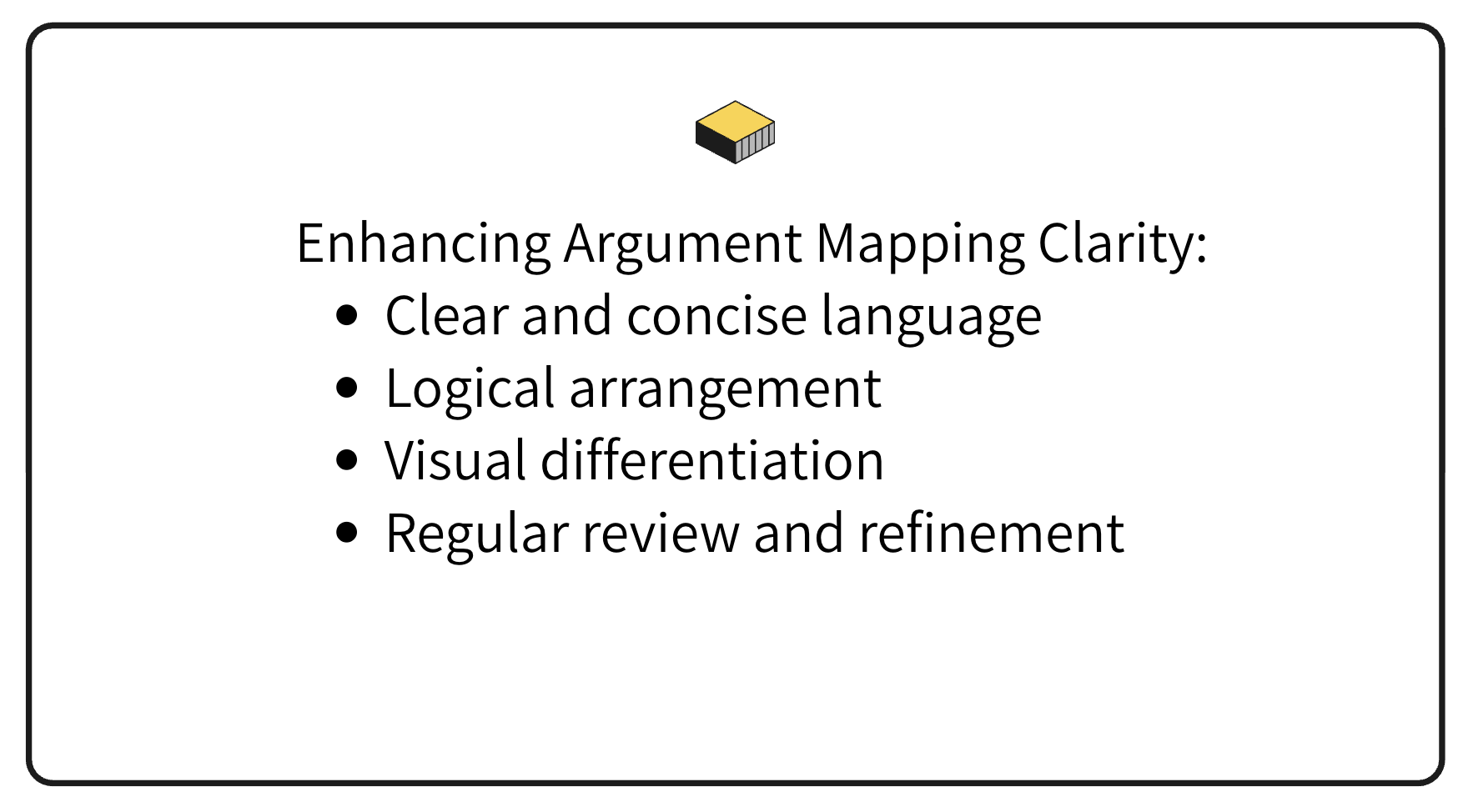
As you build your map, consider the following tips:
Use clear, concise language for each node
Arrange your map logically, with related ideas grouped together
Use different colors or shapes to distinguish between types of information
Review your map regularly, refining and reorganizing as needed
Remember, argument mapping is an iterative process. Don't be afraid to revise and refine your map as your understanding of the topic deepens.
Advanced Techniques for Argument Mapping Mastery
Utilizing AI-Powered Analysis with Ponder
Ponder's AI-powered features can significantly enhance your argument mapping process. These include one-click PDF upload for instant argument extraction, multi-document comparison for identifying trends and gaps in research, and automatic detection of logical fallacies and weak arguments. By leveraging AI, you can quickly process large amounts of information, identify key arguments and counterarguments, and uncover connections you might have otherwise missed.
Enhancing Maps with Visual Elements
Visual elements can significantly enhance the clarity and impact of your argument maps. Consider using color coding for different types of information, icons and symbols to represent key insights, and varying shapes and sizes to indicate importance. Arrows and connectors can show relationships between ideas, while annotations provide additional context. The goal is to create a visual hierarchy that guides the viewer through your argument logically and intuitively.
Maximizing the Impact of Argument Mapping in Research and Decision-Making
Integrating Argument Maps into Academic Writing
Argument maps are powerful tools for structuring and refining academic writing. Use them to outline research papers, ensuring each paragraph contributes meaningfully to your overall argument. They're particularly effective for strengthening thesis statements and conclusions by helping you identify weak points or logical gaps.
To integrate argument mapping into your academic writing process, create an initial map of your thesis and key points, develop sub-maps for each supporting point, and use the map as a reference while writing to ensure logical flow. Revisit and refine your map as you research and write, and consider including simplified versions of your maps in your paper to illustrate complex arguments.
Applying Argument Mapping in Professional Settings
In professional settings, argument mapping can enhance team decision-making processes, especially when facing complex problems or contentious issues. It's also an invaluable tool for presenting complex ideas to stakeholders, conveying the essence of a proposal or strategy more effectively than traditional methods.
To maximize the impact of argument mapping in professional settings, use it as a brainstorming tool in meetings, create maps to analyze competitor strategies and market trends, and develop argument maps for risk assessment in projects. You can also use maps to structure and support policy recommendations or business proposals, and employ argument mapping in conflict resolution to help parties visualize different perspectives and find common ground.
By integrating argument mapping into various aspects of professional decision-making, you can foster clearer communication, more thorough analysis, and ultimately, better-informed decisions. It's a skill that can set you apart as a strategic thinker and effective communicator in any professional environment.
In conclusion, mastering argument mapping software is a valuable skill that can significantly enhance your critical thinking, decision-making, and communication abilities. By understanding the fundamentals, choosing the right tool, and applying advanced techniques, you can create powerful visual representations of complex arguments. Whether you're a student, researcher, or professional, argument mapping can help you navigate the complexities of modern information landscapes and make more informed, logical decisions.
