

![7 Reference Management Mistakes [And How to Avoid Them]](/_next/image?url=https%3A%2F%2Fd3n7w3548u188s.cloudfront.net%2Fblog%2F46ba7751-f5af-486b-b8ae-902bee224b2d&w=3840&q=75)
Quick answer: The seven most common reference management mistakes are: (1) using a flat folder without tags, (2) not recording where you found a source, (3) waiting until writing to verify citations, (4) mixing citation styles in one project, (5) losing annotation context by just exporting PDFs, (6) not backing up your reference database, and (7) managing references in isolation rather than alongside your notes. Zotero solves mistakes 1-4 and 6; combining it with Ponder for connected notes solves mistakes 5 and 7.
Understanding Reference Management Fundamentals
Managing references is something I struggled with for years. You've probably been there too – drowning in papers, losing track of important citations, and wasting hours formatting bibliographies. Reference management isn't just about keeping a list of sources; it's the backbone of quality research and knowledge work.
What is reference management and why it matters
Reference management is the process of organizing, storing, and retrieving the sources you use in your research. It sounds simple, but poor reference management can lead to hours of wasted time, lost information, and even academic integrity issues.
The hidden costs of poor reference management
The true cost of inefficient reference management goes beyond frustration:
Cost Factor | Impact | Potential Annual Time Loss |
|---|---|---|
Manual citation formatting | Tedious reformatting for different publications | 40-60 hours |
Lost references | Duplicated research to find sources again | 20-30 hours |
Disorganized notes | Difficulty connecting related concepts | 50-70 hours |
Citation errors | Potential credibility damage and corrections | Immeasurable |
Knowledge silos | Missed connections between related works | Reduced research quality |
Mistake #1: Relying on Manual Reference Tracking
I used to think I could manage all my references with folders, file naming, and spreadsheets. What a mistake that was!
The pitfalls of pen-and-paper reference systems
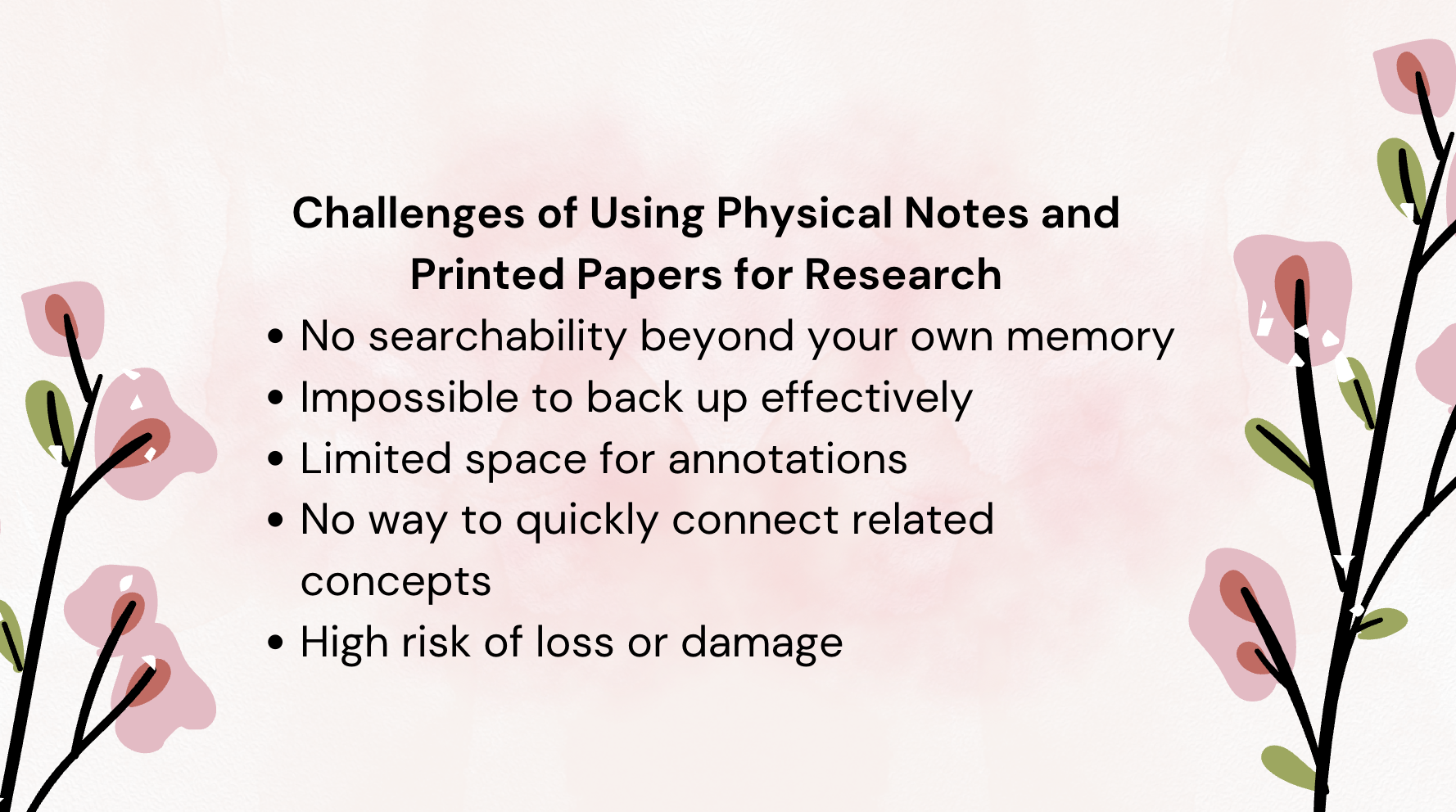
Physical notes and printed papers might feel tangible, but they create serious limitations for your thinking workspace:
No searchability beyond your own memory
Impossible to back up effectively
Limited space for annotations
No way to quickly connect related concepts
High risk of loss or damage
How automated reference management saves time
Modern research tools automate the tedious aspects of reference management, giving you more time for actual thinking and analysis. With tools designed for deep research, you can instantly capture, organize, and retrieve sources without manual effort.
How Ponder AI's one-click PDF upload transforms reference collection
Ponder AI takes reference management to the next level with one-click PDF upload that automatically extracts key information and transforms papers into interactive knowledge maps. This means you're not just storing references – you're creating a visual thinking workspace where connections become clear.
Try Ponder for academic research →
Mistake #2: Using Multiple Disconnected Reference Systems
Another common mistake is spreading your references across multiple systems – some in reference managers, others in note-taking apps, and still more in folders on your computer.
The chaos of scattered references across different platforms
When your references live in different places, you're constantly switching between tools and losing the thread of your research. This fragmentation makes it nearly impossible to see the big picture of your work.
"The biggest breakthrough in my doctoral research came when I finally consolidated all my references into one system. Suddenly, I could see connections between papers I'd read months apart that completely changed my theoretical framework." – Dr. Sarah Chen, Cognitive Science Researcher
Information silos and their impact on research quality
When references are isolated in separate systems, you miss opportunities to discover connections. Deep research depends on making unexpected connections between ideas – something that's nearly impossible when your knowledge is fragmented.
Ponder's integrated workspace approach
Ponder AI provides an all-in-one solution by combining reference management with reading, note-taking, and questioning in a single platform. This integrated approach eliminates the need to switch between multiple tools and prevents information silos from forming in the first place.
Mistake #3: Neglecting Proper Citation Formatting
We've all been there – scrambling to format citations before a submission deadline, only to find inconsistencies that need urgent fixing.
Common citation style mistakes and their consequences
Even small citation errors can damage your credibility and cause rejection from publications. Common mistakes include:
Inconsistent formatting between in-text citations and bibliography
Missing information for certain reference types
Incorrect ordering of author names or publication details
Using outdated citation style guidelines
Mixing citation styles within one document
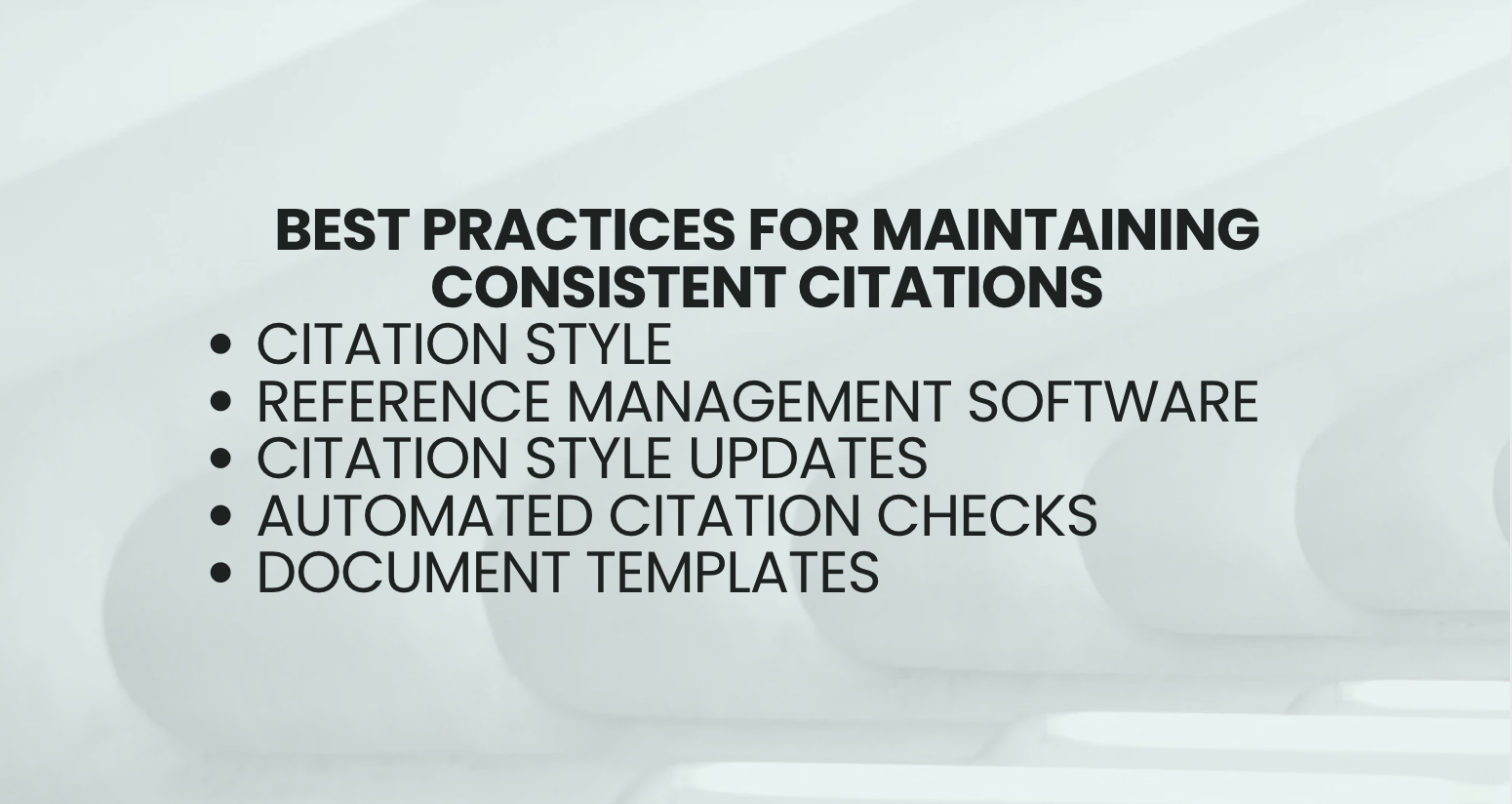
Best practices for maintaining citation consistency
To maintain consistent citations:
Choose a single citation style appropriate for your field
Use reference management software to automatically format citations
Update your citation style files when new editions are released
Double-check automated citations for unusual source types
Consider creating templates for your most common document types
How Ponder AI ensures accurate citation management
Ponder AI is trained on over 200 million academic papers, giving it deep expertise in citation practices across disciplines. The platform automatically extracts citation metadata from uploaded PDFs and maintains proper formatting throughout your research process.
Mistake #4: Failing to Extract Key Information from References
Simply collecting references isn't enough – you need to extract and understand the key insights from each source.
The problem with surface-level reading of sources
Many researchers fall into the trap of skimming abstracts and conclusions without diving deeper. This surface-level approach misses critical details, methodological nuances, and potential connections to your own work.
Creating effective research summaries
Good research summaries should capture:
Key claims and findings
Methodological approach
Limitations acknowledged by authors
Connections to other works
Potential applications to your research
Ponder's interactive knowledge maps for deeper comprehension
Ponder transforms papers into structured knowledge maps that make it 10x faster to grasp key ideas. These interactive maps allow you to see the structure of arguments, quickly identify methodology sections, and connect related concepts across multiple documents, which is particularly powerful when you use AI for mapping legal arguments to untangle complex case law and doctrinal debates.
Beyond understanding static arguments, modern research also benefits from visualizing case timelines with AI to track how a dispute or legal issue evolves across multiple decisions and documents. This kind of temporal visualization helps you see when key precedents emerged, how interpretations shifted over time, and where critical gaps in your evidence or citations might still exist.
Mistake #5: Poor Organization of Reference Relationships
References don't exist in isolation – they form a web of connected ideas that shape your understanding.
Why isolated references limit research insights
When you treat each reference as a standalone item, you miss the rich network of relationships between sources. True insight comes from seeing how ideas connect, conflict, and build upon each other.
Building a coherent research narrative
Your references should tell a story about the evolution of ideas in your field. By organizing references to show how knowledge has developed over time, you create a narrative that contextualizes your own contribution.
Ponder's spatial thinking approach to connecting references
Ponder's digital canvas enables spatial thinking, allowing you to organize knowledge visually and see connections that would be invisible in linear formats. The AI-assisted mind mapping features help identify relationships between documents automatically, while giving you the flexibility to customize your knowledge organization, making it an ideal AI tool for patent research mapping when you need to compare prior art, claims, and citations across large patent families.
Mistake #6: Inefficient Reference Retrieval Systems
The ability to quickly find and revisit references is crucial for productive research.
The time cost of searching for previously used references
I once spent three hours searching for a specific paper I knew I'd read because I couldn't remember the author's name or the exact title. This type of time waste is common with poor reference retrieval systems.
Implementing effective tagging and categorization
Create a consistent tagging system that works for your thinking style:
Use both broad categories and specific tags
Consider tagging by methodology, theoretical approach, and findings
Include tags for potential applications of the research
Develop project-specific tags for current work
Regularly review and clean up your tagging system
Ponder's AI-powered search capabilities
Ponder's AI understands the context of your search queries, not just keywords. This means you can ask complex questions and find relevant sections across your entire reference library instantly.
Mistake #7: Overlooking Collaborative Reference Management
Research rarely happens in isolation, yet many researchers fail to implement collaborative reference management.
The challenges of team-based research and reference sharing
Team research introduces new challenges:
Ensuring everyone has access to the same references
Maintaining consistent citation formatting
Avoiding duplicate effort
Sharing insights without overwhelming collaborators
Tracking who added which references and why

Avoiding duplicate work in group research settings
Without proper collaboration tools, team members often read and annotate the same papers without benefiting from each other's insights. This wastes valuable research time and misses opportunities for deeper analysis.
How Ponder supports collaborative knowledge building
Ponder enables teams to build knowledge together by sharing interactive knowledge maps, collaboratively annotating documents, and collectively organizing information on a shared digital canvas.
The Future of Reference Management: Beyond Traditional Methods
The future of reference management isn't just about organizing sources – it's about integrating reference management directly into your thinking and writing process. This integration eliminates the artificial boundary between consuming research and creating it.
Ponder's approach represents this next evolution in research tools by providing a progressive learning flow from framework building to deep exploration. Instead of treating reference management as a separate task, Ponder integrates it into a complete research workspace where knowledge organization happens naturally.
Conclusion: Transforming Your Reference Management Approach
Avoiding these seven reference management mistakes will transform your research effectiveness and save you countless hours of wasted effort. By implementing proper reference management practices and tools like Ponder AI, you'll not only organize your sources more effectively but actually enhance your thinking process.
The right reading tool doesn't just store your references – it extends your cognitive abilities, helps you see connections you might miss, and accelerates your knowledge work. When reference management moves from being a chore to becoming an integrated part of your thinking workspace, your entire research process becomes more productive and insightful.
Frequently asked questions
What is the most common reference management mistake researchers make?
The most universal reference management mistake: not using a reference manager from the start. Researchers often keep papers in unorganized folders, bookmarks, or browser tabs, and only realize the problem when they're deep into a project and need to cite dozens of sources. By then, re-finding and re-organizing takes significantly more time than if they'd used Zotero from day one. The second most common: not backing up the Zotero/Mendeley library — local-only libraries are lost when computers break or are stolen. Third: trusting auto-import metadata without checking it — imported citations from DOI often have errors in author names, volume/issue numbers, or page counts that cause citation formatting errors in manuscripts.
Which reference manager is best: Zotero, Mendeley, or Endnote?
The three differ in important ways. Zotero: free, open-source, excellent browser import, strong Word/Google Docs integration, privacy-respecting, most recommended by academic librarians. Best for: most researchers, students, small teams. Mendeley: free (2GB cloud), owned by Elsevier — raises data privacy concerns for some researchers, strong social/discovery features, better built-in PDF reader. Best for: researchers who value cloud storage and social network features. EndNote: paid (~$300 one-time or institutional), most feature-rich, best for very large libraries (50,000+ references), preferred by some senior researchers and NHS/NHS-equivalent healthcare researchers who need specific institutional features. For most early-career and student researchers: Zotero is the default recommendation due to being free, open-source, and comprehensive.
How do I organize a large reference library for a PhD or thesis?
For a large reference library (100+ papers), effective organization strategies: (1) Collections by chapter or theme — Zotero supports nested collections; create a collection per thesis chapter and cross-reference papers in multiple collections; (2) Tags by status — use tags like "read," "unread," "to-read," "cited-in-thesis" to track your engagement; (3) Related items links — link seminal papers to the papers that cite them; (4) Notes on each paper — the most valuable habit: a 2-3 sentence note per paper on why it's relevant, where you'll cite it, and the key finding you'll use; (5) Regular cleanup — quarterly, review and remove duplicates, fix incorrect metadata. The key insight: your reference library is most useful when notes indicate relevance-to-your-argument, not just bibliography data.
Can I import citations from Google Scholar into Zotero?
Yes — the Zotero Connector browser extension adds a one-click "Save to Zotero" button when you're on any Google Scholar page. When viewing a search result page, the Connector shows a folder icon — click it to import all visible results at once. For individual papers, it imports the paper's metadata including title, authors, journal, year, DOI. Important caveats: Google Scholar metadata isn't always correct — check imported records for errors, especially for author names (middle initials, initials-vs-full-names), volume/issue/pages. For papers with PDFs available, Zotero also attempts to download and attach the PDF automatically. For papers only available behind paywalls, you'll need to attach PDFs manually after downloading through institutional access.
What happens to my Zotero library if I stop being a student?
Zotero is yours to keep — it's not tied to your institutional email or enrollment status. Your local Zotero library stays on your personal computer permanently. Zotero sync (cloud backup) uses a zotero.org account tied to your personal email, not your institution. The only institutional link: your university may provide institutional storage or IT support for Zotero, but the software and your library work independently. When you graduate: update your sync email to a personal account if it's currently institutional, back up your Zotero data folder externally, and consider transitioning your storage setup if you were using institutional WebDAV. Your bibliography stays with you through your entire career — planned obsolescence isn't in Zotero's model as an open-source tool.
See also: Best Zotero Alternatives | Best Mendeley Alternatives | Best EndNote Alternatives | How to Build a Research Note System | Best AI Tools for Literature Review