

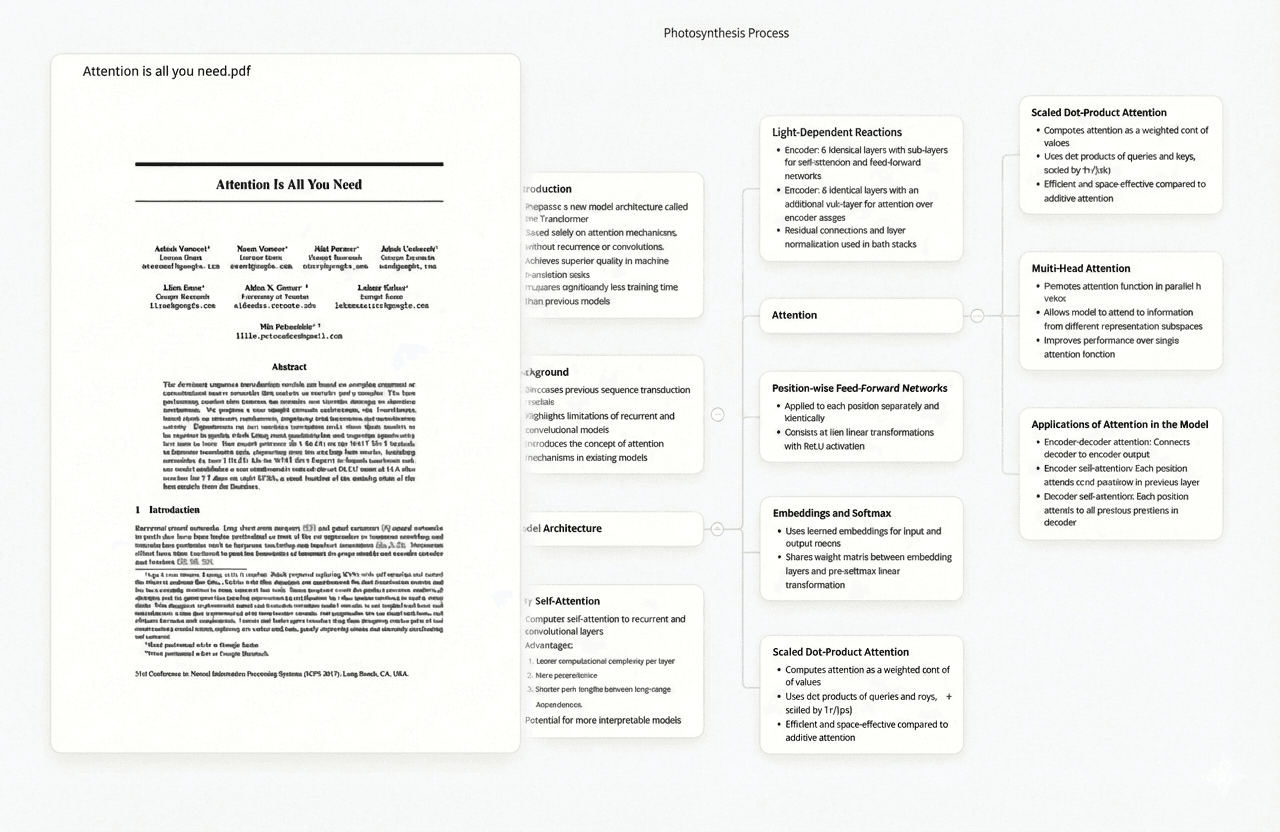
Ponder — When Your Research Notes Need to Answer Questions Across Your Paper Collection
Note-taking tools help you record what you read and think. Ponder solves the downstream problem: when you have read fifty papers and taken notes in Obsidian or Roam, how do you get a synthesised answer to a question that requires evidence from twenty of them simultaneously? Ponder is not a note-taking app — it does not have daily notes, a graph view, or a backlink system. It is a research synthesis tool: you upload a collection of PDFs and ask cross-paper questions, receiving answers with page-level citations that point to the exact page in each specific paper.
In a research workflow, Ponder typically sits after note-taking, not instead of it. You read papers in SciSpace or your PDF reader, take highlights and notes in Obsidian or Roam, and capture references in Zotero. When you are ready to write — to construct an argument, synthesise findings, or answer the question "what does the literature say about X?" — you upload the relevant papers to Ponder and let it answer cross-paper questions with source citations. The note-taking app holds your thoughts; Ponder draws from the primary sources to support them.
Try Ponder for academic research →
- Upload PDF collections and ask synthesis questions across all of them simultaneously
- Page-level citations — the exact page in each specific paper, not just file attribution
- Works alongside any note-taking system — complements rather than replaces your existing PKM setup
- Per-project organisation keeps dissertation research separate from other projects
- Most useful at the writing and synthesis stage — after reading, not during it
- Pricing from $14/month Casual to $42/month Pro
Obsidian — When You Want a Local-First, Plugin-Extensible Knowledge Base
Obsidian is the leading tool for researchers who want full control over their notes as plain-text files stored locally. Every note is a Markdown file in a folder on your computer — you own the data, no subscription required to access it, and it will be readable with any text editor indefinitely. Obsidian's bidirectional link system connects notes to each other through [[wikilinks]], and the graph view visualises how your notes relate, revealing clusters of connected ideas that would otherwise remain invisible in a folder hierarchy.
The plugin ecosystem — over 1,500 community plugins — makes Obsidian deeply extensible: Zotero integration (via Zotero Integration plugin) pulls reference data and PDF annotations directly into notes, Dataview enables database-like queries across your vault, and Templater allows systematic note templates for paper reviews, meeting notes, or research questions. For researchers who have accumulated hundreds of notes across years and want to keep working in plain Markdown without platform lock-in, Obsidian's combination of speed, extensibility, and data ownership is difficult to match. The core application is free; Obsidian Sync ($8/month) provides encrypted cloud synchronisation.
- All notes as local Markdown files — plain text, forever readable, no platform dependency
- Bidirectional links with graph visualisation showing connections across the knowledge base
- Zotero Integration plugin pulls citation data and PDF annotations directly into notes
- Dataview plugin enables structured queries — filter notes by tag, date, field values, or custom metadata
- 1,500+ community plugins for canvas views, spaced repetition, daily notes, and academic workflows
- Free core application; Obsidian Sync $8/month for encrypted cross-device sync
Roam Research — When Journal-Style Daily Notes Drive Everything Else
Roam Research introduced the daily journal approach to knowledge management that most modern PKM tools have since adopted: each day starts with a new journal entry, and everything connects back to those daily pages through block references. Unlike folder-based note-taking, Roam structures knowledge through connections rather than hierarchy — there are no folders, only pages linked to each other at the block level. A reference in one note automatically creates a backlink on the referenced note, making every connection bidirectional without manual maintenance.
For researchers who write notes as they think — capturing ideas, annotations, and connections in real time during reading or seminars — Roam's friction-free capture and block-level referencing makes it effective for building an interconnected research knowledge base over time. Its graph database model means the system grows more useful as connections accumulate. The limitation is the price ($15/month or $165/year) and the fact that data is stored on Roam's servers, not locally — important for researchers handling sensitive data. Roam has not had a mobile app that matched its desktop experience, though this has improved in recent versions.
- Daily journal structure where every note connects to its creation date and context
- Block-level references — cite specific blocks from one note inside another, creating bidirectional links
- No folders — everything is connected through links, making the knowledge base topology-driven
- Queries and filters can surface notes matching specific criteria across the entire database
- Multiplayer collaborative editing on shared databases for research group knowledge management
- $15/month or $165/year; data stored on Roam servers rather than locally
Logseq — When You Want Roam's Model With Local Files and Open Source
Logseq provides a nearly identical workflow to Roam Research — daily journals, block references, bidirectional links, no folders — but stores all data as local Markdown and Org Mode files rather than in a cloud database. For researchers who want the journal-driven PKM model but are unwilling to store research notes on a third-party server, or who want their knowledge base to be readable outside of Logseq (as plain text files), Logseq is the practical alternative. It is entirely free and open source.
The Zotero integration in Logseq allows importing references and annotations from Zotero directly into the knowledge base, and the PDF annotation viewer is built in — you can annotate PDFs within Logseq and have those annotations automatically linked to the relevant note. Logseq's database version (currently in beta) would migrate away from Markdown files to a proper graph database, which will offer more flexibility but removes the plain-text guarantee that makes Logseq attractive to file-ownership advocates. For researchers starting fresh with no existing PKM system, Logseq offers the full journal-based workflow at no cost.
- Roam-style journal-driven workflow with block references and bidirectional links
- All data as local Markdown or Org Mode files — no cloud dependency, plain-text readable
- Built-in PDF annotator with annotations automatically linked to corresponding notes
- Zotero integration for importing references and citation data into the knowledge base
- Completely free and open source — no subscription, no paid features behind a paywall
- Active community developing plugins for academic workflows, spaced repetition, and task management
Notion AI — When You Need a Flexible All-in-One Workspace
Notion is the broadest-scope tool in this group: part note-taking app, part database, part project manager, part wiki. For research groups who need a shared workspace that covers literature notes, project tracking, meeting records, and lab protocols in one platform, Notion's flexibility is its defining advantage. A researcher can build a custom literature review database — tracking papers by topic, status, methodology, and key findings — that links to the full note for each paper, to the team meeting where it was discussed, and to the related project.
Notion AI, added as an integrated feature in 2023, allows generating summaries, drafting text, and asking questions about content within a workspace. For academic research workflows, Notion AI is most useful for drafting summaries of collected notes, reformatting extracted data, and generating outlines from structured database content. It does not match the cross-paper synthesis depth of a dedicated tool like Ponder, but it reduces friction for teams already working in Notion who want AI assistance without switching tools. Notion has a free tier for individuals; team plans start at $10/member/month.
- Flexible database system — build custom literature databases, project trackers, and research wikis
- Notion AI for in-workspace summaries, outlining, and text generation from existing content
- Templates for research workflows: literature review trackers, experiment logs, reading notes
- Collaborative editing with comment threads, page sharing, and guest access for collaborators
- Web clipper captures articles and papers into the workspace for annotation and categorisation
- Free individual tier; Plus plan at $10/month; Teams plan for research groups
Tana — When You Need a Structured, Tag-Driven Knowledge Graph
Tana's differentiator in the PKM space is supertags — a type system that lets you define structured templates for any kind of note. A "paper" supertag might have fields for title, authors, year, methodology, key claims, and connections to other papers; a "concept" supertag might have fields for definition, examples, and related concepts. Every note tagged with these types inherits their structure, making Tana behave like a typed knowledge graph rather than an unstructured note collection. For researchers who want to build a structured research knowledge base — where every paper note has the same fields and every concept is typed consistently — Tana provides a structure that Obsidian and Roam do not enforce.
Tana's search and query system can filter across all nodes of a given type, find papers with specific properties, or surface concepts connected to a particular author. The learning curve is steeper than Obsidian or Notion — getting value from supertags requires upfront design of your type system — but researchers who invest in that setup report that the resulting knowledge base is significantly more queryable than unstructured alternatives. Tana is primarily a web application with no offline mode, which is a limitation for researchers who work without reliable internet access.
- Supertags define typed templates for notes — papers, concepts, people, experiments each have structured fields
- Query and filter across all nodes of a type — "show all papers published before 2020 with methodology X"
- Inline references create connections between any two nodes, building a traversable knowledge graph
- Daily note structure available alongside the typed node system for capture-first workflows
- Collaborative workspaces for research team knowledge bases with shared supertag schemas
- Free beta period; pricing expected once out of beta — primarily web-based, no offline mode
Mem.ai — When You Want AI to Organise Your Notes Without Manual Tagging
Mem.ai is the PKM tool built around AI-first organisation: there are no folders, no manual tags, and no explicit linking required. The AI continuously organises your notes by surfacing related content, suggesting connections, and answering questions about your personal knowledge base. For researchers who capture notes rapidly and find manual organisation to be a bottleneck — who want to write first and have the system handle structuring — Mem's approach removes the maintenance burden of systems like Obsidian or Tana that require consistent tagging and linking discipline.
Mem's AI can answer questions about your note collection ("What did I write about measurement invariance?") and surface relevant past notes when you create a new one. The quality of AI answers depends on the volume and quality of notes in your base — Mem becomes more useful as the collection grows. The limitation for academic researchers is that Mem works with your own notes and captured content, not with academic PDFs from external sources; it is not a multi-document question-answering system in the way Ponder is. Mem is $14.99/month, with no free tier for full AI features.
- No folders, tags, or manual links — AI organises connections automatically as you write
- AI assistant answers questions about your own note collection ("What did I write about X?")
- Smart search that understands context and concept rather than just keyword matching
- Related memory surfacing shows past notes relevant to what you are currently writing
- Web and mobile apps with cross-device sync and offline access on mobile
- $14.99/month; no meaningfully free tier for AI features — full AI requires paid subscription
Frequently asked questions
What is the best note-taking app for academic researchers?
For researchers who want maximum control and extensibility, Obsidian is the best choice — local files, rich plugin ecosystem, and no subscription for core features. For researchers who prefer a journal-driven workflow, Logseq provides the Roam Research approach for free with local files. For teams who need a shared workspace, Notion offers the most flexibility. For researchers who want AI assistance without manual organisation, Mem.ai automates the structure. Most researchers benefit most from choosing consistently and committing to one system rather than switching between them.
Should I use Obsidian or Notion for research notes?
Use Obsidian if you prioritise data ownership (local Markdown files), extensibility through plugins, and a non-hierarchical graph-based structure for connecting ideas. Use Notion if you need a collaborative workspace that covers project management and research notes in one place, or if you want a structured database for tracking literature systematically. Obsidian has a steeper initial setup cost but more power for individual researchers building a long-term knowledge base; Notion is faster to start and better for teams.
Is Ponder a note-taking app?
No. Ponder is a research synthesis tool, not a note-taking app. It does not have daily notes, a graph view, or a personal knowledge base. It solves a different problem: once you have a collection of research papers, Ponder lets you ask questions across all of them simultaneously and receive answers with page-level citations. Most research workflows benefit from using both a note-taking app (for capturing your own thoughts and annotations) and Ponder (for synthesising what the primary sources say when writing).
See also: Best AI Research Tools for Students | Obsidian Alternatives | How to Write a Literature Review with AI | How to Summarize Research Papers with AI