


Researchers and knowledge workers often face fragmented datasets, scattered notes, and the cognitive overhead of switching among tools, which slows insight generation and undermines reproducibility. This article explains how an all-in-one knowledge workspace can consolidate multi-modal inputs, apply semantic analysis, and present results as visual knowledge maps that support deep thinking and rigorous synthesis. You will learn practical workflows for ingesting PDFs, video, and web pages, and how visual organization of sources supports synthesis. The piece walks through concrete examples—file-type processing, semantic outputs compared to raw inputs, and persona-based workflows for PhD researchers, analysts, and students—so you can evaluate fit and design organized research practices Throughout, Ponder AI is introduced where it exemplifies these capabilities as an AI-powered, an all-in-one knowledge workspace and thinking partner without replacing researcher judgment. Read on for step-by-step explanations, EAV reference tables, and actionable lists that make organizing complex research data practical and repeatable.
Quick answer: Effective data organization requires matching your storage structure to how you'll retrieve and use the data. For research databases: use Airtable or Notion for structured tabular data, Zotero for citation data, Obsidian or Logseq for interconnected notes. For multi-format research data (PDFs, web clips, papers, notes), Ponder's canvas provides a unified visual organization layer where different data types connect and can be queried together with AI.
How Does Ponder AI Simplify Complex Research Data Management?
Ponder AI simplifies research data management by AI canvas ingesting diverse file types, organising content as linked nodes on an infinite canvas for synthesis and export. This approach reduces manual cleaning and allows researchers to move from scattered files to a structured knowledge model that supports search and discovery. The value is immediate: time-coded transcripts, concise summaries, extracted entities, and linkable source references generate a reusable research substrate. After explaining supported file types and their automated treatments, the next section shows how each input is processed and how those outputs support literature synthesis and argument scaffolding.
Ponder AI supports common researcher needs through these core capabilities:
Multi-source import that accepts document, audio, video, image, and web content for a single project.
Visual organization and knowledge mapping of imported materials.
Visual organization on an infinite canvas with nodes, links, and exportable structured outputs for reports and markdown.
These features let research teams keep sources and connections organized while iterating on analyses.
What Types of Research Data Can Ponder AI Integrate and Organize?
Ponder AI integrates common research file formats and media, applying processing appropriate to each type so that information becomes searchable and linkable across the knowledge workspace. PDFs, text files, and documents can be imported into the workspace.Videos can be imported and organized within the knowledge map. Image inputs are captioned and linked to related notes so visual evidence can participate in semantic maps. Each processed input preserves source provenance so researchers can trace claims back to original artifacts, and these capabilities together reduce time spent on manual file conversion and note reconciliation.
File Type | Processing Applied | Research Benefit |
|---|---|---|
PDF / DOCX | OCR, metadata extraction, citation parsing |
|
Audio (MP3) | Automated transcription, timecodes, speaker diarization |
|
Video (MP4) | Transcription + keyframe thumbnails |
|
Images (JPG/PNG) | Automatic captioning, embedding in canvas |
|
Web pages (HTML) | Snapshot + extract, link normalization | Preserves web context and source links for reproducibility |
How Does AI Enhance Data Structuring and Summarization in Ponder AI?
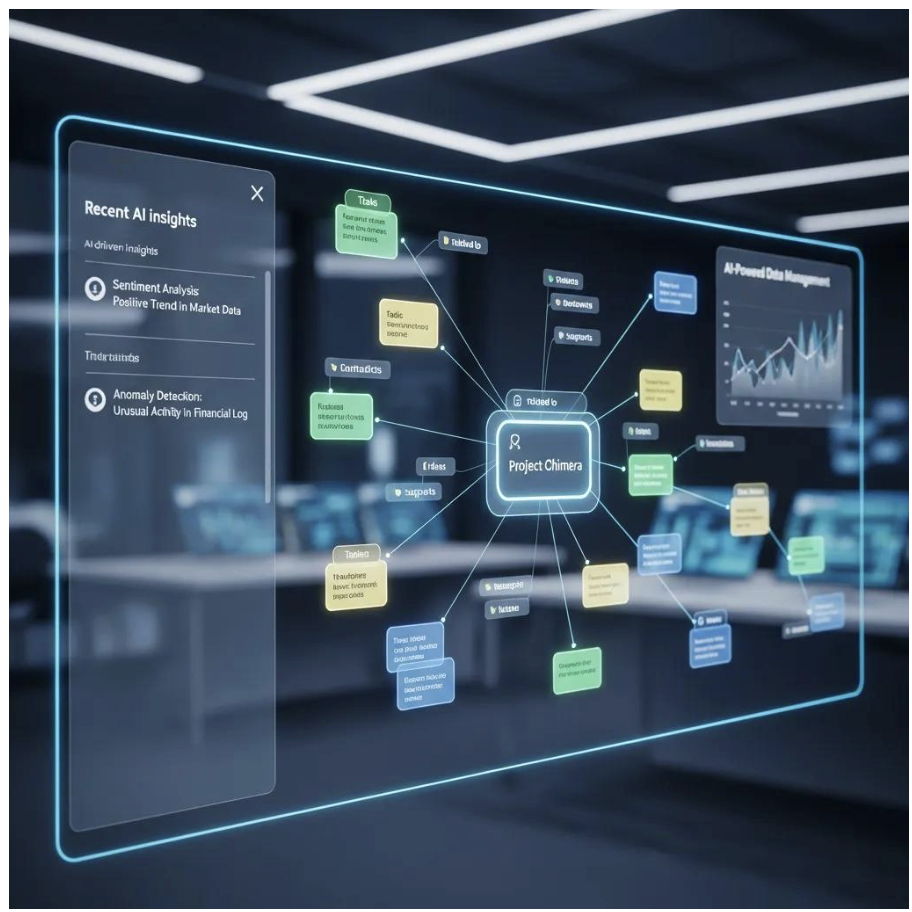
Ponder helps knowledge mapping visual workspace where researchers can connect sources and identify patterns across materials Practically, this means faster literature triage and more consistent provenance when composing syntheses.
These automated transformations prepare materials for building personal knowledge graphs, which is the next topic.
What Are the Benefits of Knowledge Mapping Tools for Academic Research?
Knowledge mapping tools help researchers reveal hidden relationships, synthesize diverse sources into coherent arguments, and maintain traceable evidence, all of which improve the rigor and creativity of scholarly work. Visual maps externalize thinking so that patterns—recurring methods, contradictory findings, or missing evidence—become visible and actionable. Mapping also accelerates collaborative sense-making: AI research agent add annotations and evidence to nodes while preserving narrative threads. By supporting iterative layering of ideas, knowledge maps promote both exploratory and confirmatory research practices. The next section explains how an infinite canvas in a workspace facilitates these affordances with concrete user behaviors.
Connection Discovery: Visual links surface cross-source patterns that linear notes miss.
Synthesis Efficiency: Condensing multiple sources into hierarchical nodes cuts synthesis time.
Collaborative Traceability: Annotations and linked sources keep team decisions auditable.
These benefits make knowledge mapping central to reproducible, insight-driven research.
How Does Ponder AI’s Infinite Canvas Facilitate Visual Knowledge Mapping?
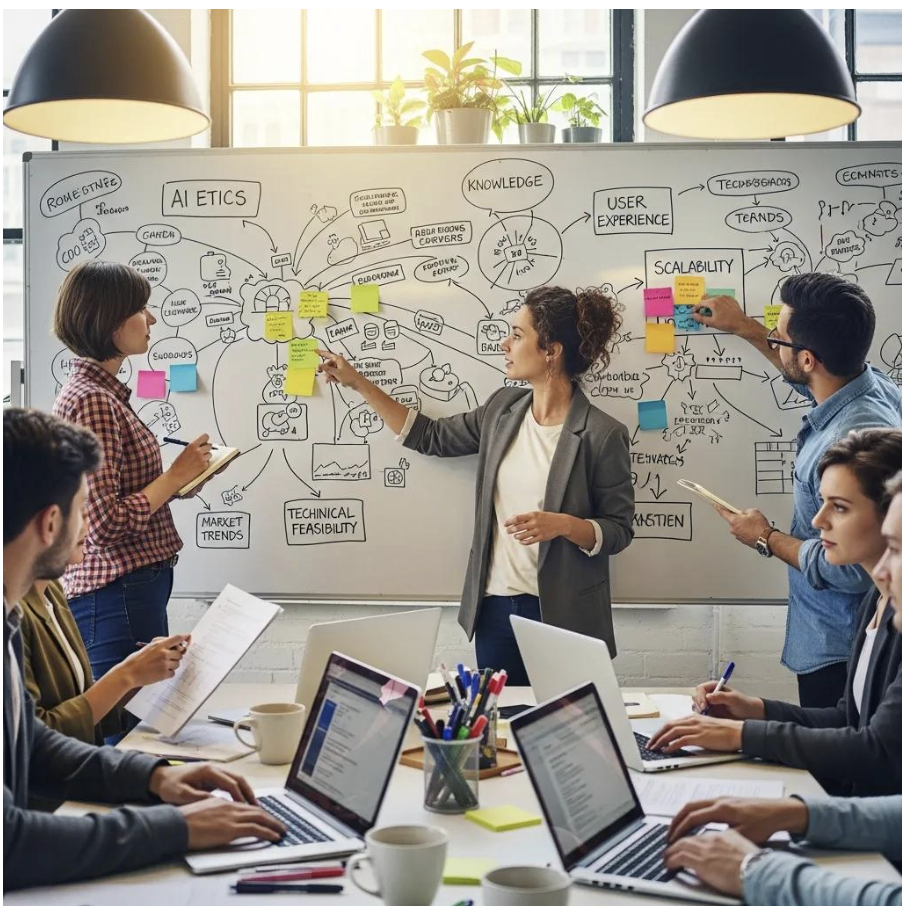
Ponder AI’s infinite canvas enables freeform spatial organization where cards, nodes, and clusters can be arranged without page constraints, allowing non-linear argument development and iterative refinement. Researchers can cluster evidence by theme, drag related methods together, and layer summaries above raw extracts to preserve both high-level insight and supporting data. The canvas retains links from nodes to original files so every summary or claim traces back to source evidence, supporting transparency and reproducibility. Users often begin with a literature question, create thematic clusters, and then collapse or expand nodes as hypotheses emerge, making the canvas a living thinking space rather than a static output.
How Can Researchers Build Personal Knowledge Graphs with Ponder AI?
Researchers build knowledge maps by importing materials, organising them into nodes, and creating visual connections between related sources. They can link documents, methods, and findings to surface discovery pathways across their research materials. The following EAV table maps entity types to typical attributes for practical guidance.
Entity Type | Typical Attributes | Example Use |
|---|---|---|
Research Paper | Title, authors, methods, citations | Map citation networks and methods |
Method | Parameters, domain, outcomes | Link methods to results across studies |
Dataset | Format, collection date, variables | Track data provenance and reuse |
Concept | Definitions, synonyms, scope | Unify terminology across disciplines |
Using this approach, researchers convert scattered notes into a navigable web of knowledge that supports both creative insight and methodological rigor.
How Does Semantic Research Data Analysis Improve Insight Generation
Visual knowledge organization enhances insight generation by helping researchers connect sources, identify patterns, and see relationships between methods and findings across their corpus. When researchers organize materials visually and link related concepts, patterns and connections become visible. This visual structure supports discovery by enabling researchers to see relational evidence across multiple sources rather than viewing isolated documents. Next, we define entity recognition and relationship mapping and show how these processes create practical visual knowledge organization
Visual organization delivers core capabilities:
Clear visual connections between sources and concepts.
User-driven organization where researchers create and validate relationships.
Exportable mind maps to support reproducible research workflows.
These outcomes make visual organization a bridge between raw data and high-value insight.
Semantic Knowledge for Automated Insight Generation in Data Analysis
This visual approach to knowledge organization integrates with Ponder Agent, which helps identify knowledge gaps and suggest investigation paths, enabling deeper insight generation.
What Is Entity Recognition and Relationship Mapping in Ponder AI?
In Ponder AI, users create relationships by manually linking nodes on the canvas. Researchers can connect sources, methods, and concepts through visual links that express meaningful connections. Users maintain full control over the structure and meaning of their knowledge map through direct manipulation and annotation.
For example, researchers can link interview notes containing a theme to related datasets and literature that supports or challenges that theme.
Source Type | Relationship / Attribute | Example Output |
|---|---|---|
Research Paper | Cites / Employs / Contradicts |
|
Transcript | Contains / Quotes / Timestamp |
|
Dataset | Measures / Variables / Period |
|
Image | Illustrates / Captures / Annotates |
|
How Does the Chain-of-Abstraction Method Enhance Deep Thinking?
Researchers can layer their thinking by organizing information into nodes at different levels of abstraction—from raw data and quotes to patterns and conclusions. By building nodes progressively on the canvas, researchers preserve traceability from their conclusions back to original evidence and surface blind spots through careful analysis.
Researchers organize their thinking progressively: from observations and data to patterns to preliminary conclusions, all visible on the canvas where connections to source materials are preserved.
How Can AI-Powered Qualitative Research Software Streamline Data Analysis
Ponder AI streamlines research by allowing researchers to import raw materials and organize them into visual knowledge maps. Researchers can create nodes for themes and observations, link them to source materials, and export structured outputs. Ponder Agent helps identify knowledge gaps and suggest investigation paths as understanding deepens Below is a numbered workflow that captures
these steps in sequence.
The following numbered steps represent a typical automated qualitative workflow:
Import source materials including documents, videos, and web pages into your Ponder workspace.
Create nodes for key concepts, themes, and observations based on your analysis
.Refine and organize nodes, linking related themes and concepts together visually.
Add source excerpts and annotations to nodes to preserve connections to original materials.
Export your knowledge map as mind maps, HTML, or structured documents for sharing and publication.
How Does Ponder AI Automate Transcription, Coding, and Thematic Analysis?
Ponder AI helps researchers organize and analyze materials by importing audio, video, and text into a unified workspace. Researchers can create nodes for themes and observations, linking them to source materials. The system preserves links from each theme back to the exact transcript segment and the original media file, supporting transparent reporting. This automation accelerates iteration while keeping the researcher in control of interpretive decisions.
Next, we describe how the Ponder Agent functions as a thinking partner within this workflow.
What Role Does the Ponder Agent Play as an AI Thinking Partner?
The Ponder Agent operates as an AI thinking partner that identifies knowledge gaps, suggests investigation paths, and helps restructure your map rather than substituting for researcher judgment. It works with your existing nodes and sources to identify gaps and suggest next investigation paths Agent suggestions are framed as prompts or options that researchers validate, maintaining a human-in-the-loop paradigm.The agent can help you understand relationships between your mapped materials and identify areas where additional research would strengthen your analysis By surfacing likely gaps and alternative interpretations, the agent helps researchers test their reasoning and expand analytic perspectives.
The agent's role is advisory and augmentative: it accelerates exploration while leaving evaluative authority with the researcher.
What Are the Key Use Cases of Ponder AI for Researchers, Analysts, and Students?
Ponder AI addresses distinct workflows across academic researchers, analysts, and students by providing multi-modal ingestion and exportable outputs tailored to each persona's goals. For academic researchers, the workspace supports comprehensive literature reviews and hypothesis development through visual organization of sources and concepts Analysts benefit from multi-source synthesis—combining reports, datasets, and media—into stakeholder-ready deliverables like executive summaries and mind maps. Students can convert lectures, readings, and media into study maps and revision materials that support active learning. The following persona table summarizes typical tasks and Ponder outputs for quick reference.
Persona | Task | Ponder Output |
|---|---|---|
PhD Researcher | Literature review synthesis | Knowledge map with linked sources + exportable mind map |
Analyst / Knowledge Worker | Multi-source strategic synthesis |
|
Graduate Student | Course material mastery |
|
How Does Ponder AI Support Academic Researchers in Literature Reviews?
For literature reviews, Ponder AI streamlines a workflow: import papers, organize into nodes on the canvas, create connections between concepts, and export as mind maps or reports accelerating manuscript drafting. Because every summary remains linked to original sources, claims in the review are traceable, enhancing the review’s credibility. These outputs make it easier to move from mapping to manuscript with clear provenance.
How Do Analysts and Knowledge Workers Benefit from Multi-Source Synthesis?
Analysts and knowledge workers combine reports, datasets, and media into coherent syntheses using Ponder AI’s visual linking and export capabilities to produce stakeholder-ready deliverables.Visual organization connects sources and materials so insights remain evidence-backed and traceable Exports into mind maps and concise reports enable clear communication to non-technical stakeholders, while the canvas preserves the analytic trail for deeper follow-up. Teams achieve faster turnaround on strategic recommendations because the platform reduces pre-analysis prep work. These efficiencies improve both the speed and defensibility of analytic outputs.
A brief list of common deliverables illustrates typical outputs:
Executive summary with linked evidence nodes.
Interactive mind map for stakeholder walkthroughs.
Exported markdown report for integration into documentation systems.
How Can Students Master Complex Course Materials Using Ponder AI?
recordings, readings, and slides into Ponder AI, then creating study maps and organizing materials by theme and concept. By converting passive materials into active, linked nodes, students build a personalized study scaffold that supports long-term retention and exam preparation. This method shifts study from rote review to structurally connected understanding.
Quick study tips for students include mapping each lecture to key concepts, organizing examples by theme, and exporting condensed revision notes for review.
Ready to transform your research workflow? Start your journey with Ponder AI today and experience the power of an all-in-one knowledge workspace.
Why Choose Ponder AI Over Other Research Data Management Tools?
Ponder AI differentiates itself by prioritising deep thinking, visual organisation through an infinite canvas, and an integrated workspace rather than optimising solely for speed or single-mode automation. Conventional approaches often require stitching together separate tools for transcription, coding, and mapping, which fragments provenance and increases cognitive overhead. In contrast, an all-in-one workspace consolidates ingestion, visual organisation and mapping so researchers maintain context and iterative control. Exportability and structured outputs support reproducible research practices and reproducible research workflows. Next, we explore how product design choices specifically promote deeper inquiry over rapid-answer heuristics.
Key differentiators include:
Emphasis on iterative discovery and Chain-of-Abstraction workflows.
Integration of multi-modal ingestion with entity normalization and knowledge graphs.
Visual infinite canvas that preserves traceability and supports collaborative sense-making.
These aspects support richer, more defensible research outcomes.
How Does Ponder AI Promote Deep Thinking Beyond Speed?
Ponder AI promotes deep thinking by combining an infinite canvas,visual linking and an agent that suggests investigation paths which encourages iteration and reflectiveness rather than quick answers. The environment supports progressive knowledge generation where researchers organize information at different levels of abstraction, documenting connections as understanding deepens. Unlike rapid-answer systems that prioritize single-output responses, this approach deliberately slows analysis to surface blind spots and fosters robust argumentation. The product design therefore privileges research validity and depth, making it suitable for complex academic and policy work where transparency matters.
This design philosophy helps maintain methodological rigor while still leveraging AI to reduce repetitive tasks.
What Security and Privacy Measures Does Ponder AI Implement?
Ponder AI implements data handling practices that emphasize user control, exportability, and transparent policies to support researcher compliance and data portability. Users retain ownership of their content and can export projects and structured outputs into formats useful for archiving and reproducible workflows. Privacy features and storage practices are documented in the product’s privacy policy, which users should consult for the most current details relevant to sensitive or regulated data. Export options further support FAIR principles by enabling researchers to move data between systems while maintaining provenance. These measures help teams meet ethical and regulatory expectations during complex research projects.
Researchers should verify privacy settings and export procedures in the product documentation to ensure alignment with institutional requirements.
Frequently asked questions
What is the best way to organize research data?
Best practices for organizing research data: Consistent file naming: use a standardized convention (e.g., YYYYMMDD_ProjectName_Version for files; no spaces, use hyphens or underscores). This makes files sortable and searchable without opening them. Folder hierarchy: organize by project, not by file type — keep all materials for one research project in one folder subtree; then subfolders for raw data, processed data, scripts, notes, papers. Reference management: Zotero for papers and citations — never manually type references; save papers on discovery. Data versioning: for research data and analysis scripts, use Git (even for solo research) to track changes and prevent data loss. README files: keep a README.md in each project folder describing what each file is, where data came from, and how to reproduce key analyses. For research literature organization: Ponder's project-scoped workspaces keep papers, notes, and synthesis organized by research project.
What tools are best for organizing large volumes of research data?
Best tools for research data organization by type: Literature and citations: Zotero (free — organizes PDFs, auto-formats citations, tags and collections for categorization) or Ponder (project-scoped paper organization with AI search). Quantitative data (spreadsheets): R or Python (reproducible analysis scripts) + git version control. Excel and Google Sheets for small datasets. Qualitative data (text, interviews): NVivo or Atlas.ti (professional qualitative analysis) or Dedoose (more accessible, web-based). Notes and knowledge: Obsidian (local, connected notes) or Notion (database-style note organization). File storage and collaboration: GitHub (code + data version control), OSF (Open Science Framework — free, designed for research data sharing and reproducibility). The principle: one tool for each function, not one tool for everything.
How should I organize research notes and annotations?
Organizing research notes effectively: Separate notes from sources: notes in your own words belong in a notes system; direct quotes belong in your citation manager with page numbers. Mixing them leads to accidental plagiarism. Organize by theme, not by paper: a note file per theme ("methodology_critiques," "theory_X_evidence") rather than a note file per paper makes synthesis much easier. Use consistent tags and keywords: annotate your references with keywords covering topic, methodology, and relevance to your specific project. Write marginalia actively: when reading, write questions and reactions in the margin — not just highlights. "This contradicts Smith 2020" is more useful than a yellow highlight. Tools: Ponder's in-document annotation connects notes directly to source passages; Zotero's PDF reader with note-taking; Obsidian for thematic note synthesis.
What is the best way to organize files for a long-term research project?
For long-term research projects (thesis, multi-year grant): Project master folder: one top-level folder per research project, with standardized subfolders: /literature, /data_raw, /data_processed, /scripts, /writing, /figures, /admin. Version control: use Git for everything non-binary (text, code, statistical scripts). GitHub or GitLab (free for academic use). Backup rule (3-2-1): 3 copies, 2 different media types, 1 off-site (cloud). Cloud sync (Dropbox, OneDrive, or institution servers) plus git remote. Literature management: Zotero library organized with a collection per project + global tags for cross-project topics. Write README files early: document your data collection methodology, variable definitions, and analysis steps while you remember them. Periodic cleanup: set a recurring monthly task to archive completed versions and clean up working folder clutter. For synthesis within a project: Ponder projects keep your literature, notes, and Q&A scoped by research project.
How does Ponder help with research data and note organization?
Ponder specifically addresses the literature and knowledge organization aspects of research data: Project-scoped workspaces: each research project has its own Ponder space — papers, notes, and Q&A stay scoped to the right project, preventing cross-project contamination. In-document annotation: highlight and annotate PDFs in context — the annotation stays connected to the exact passage it refers to, not floating in a separate notes file. Cross-paper Q&A: ask questions across all papers in a project simultaneously — "what sample sizes appear across these studies?" is answered in seconds rather than by reviewing each paper. Research canvas: visual organization of concepts and their connections, with nodes linkable to specific source passages. Ponder covers the literature-facing part of research organization; pair it with Zotero for citations and Git/OSF for data files for a complete research organization system.
See also: How to build a research note system · Research productivity tools · Zotero alternatives
See also: Knowledge Mapping Process Guide | Research Organization Tips | Concept Map Examples for Learning | Best NotebookLM Alternatives