
How to Use Ponder for Literature Review: Research Synthesis Guide 2026
 ·8/22/2026·7 min read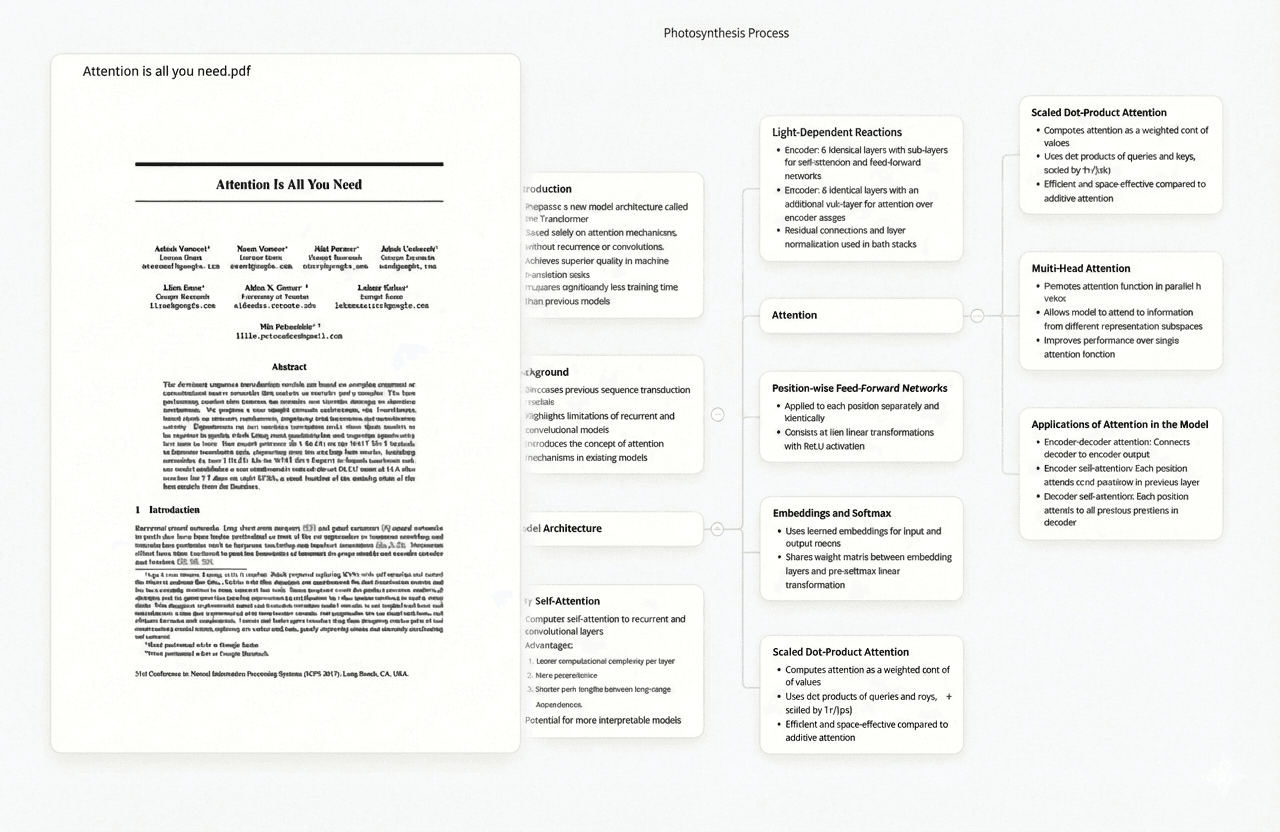
The hardest part of a literature review is not finding papers — it is building a coherent synthesis from fifty or a hundred sources that contradict each other in subtle ways. Ponder is an AI research tool built for this specific problem. It lets researchers import papers, ask questions that draw across their entire collection simultaneously, and receive answers with page-level citations that trace every claim back to a specific page in a specific paper. This guide explains how Ponder works at each stage of the literature review process, what it does that general AI tools cannot, and where it sits in a complete research workflow.
What Ponder Does: AI Q&A Across Your Imported Paper Collection
Ponder's core function is multi-paper question answering with page-level citation. You build a collection — importing papers by DOI, uploading PDFs, or discovering papers through Ponder's integrated academic search powered by OpenAlex (250M+ papers, including PubMed coverage) — and then ask questions across that collection. When you ask "What experimental designs did the studies on cognitive training use?" or "Which papers challenge the main finding in Smith 2022?", Ponder retrieves answers from your specific imported papers and identifies the paper and page number each claim comes from.
This is different from how general AI tools handle research questions. ChatGPT or Claude answer research questions from their training data — they may hallucinate papers, misattribute findings, or describe a consensus that does not exist in your specific literature. Ponder answers only from documents you have imported, and every answer links to a verifiable source you can check. For academic writing where every claim must be traceable, this distinction matters. Paperguide and Elicit offer citation grounding too, but at the paper level — Ponder's attribution is at the page level, which means you can cite a specific page rather than a full paper.
Try Ponder for academic research →
Stage 1: Discovery — Finding Papers Before You Import Them
Ponder includes an academic search function backed by OpenAlex, which aggregates 250M+ papers from PubMed, CrossRef, arXiv, DOAJ, and other sources. You can search by keyword, author, DOI, or concept to find relevant papers and add them directly to your Ponder workspace. This handles the initial literature discovery stage without requiring a separate tool for paper finding.
For more advanced discovery — mapping citation networks, finding papers upstream and downstream of a key paper — tools like Connected Papers and ResearchRabbit complement Ponder's search. ResearchRabbit's co-citation visualisation is particularly useful for early-stage PhD students who need to map a field before deciding which papers to collect in depth. Once you have identified a paper set, import the DOIs into Ponder to begin the synthesis stage.
What Ponder provides at the discovery stage: Academic search across 250M+ papers with DOI-to-import. Does not produce citation network visualisations — use ResearchRabbit or Connected Papers for that.
Stage 2: Import and Organisation — Building Your Research Canvas
Ponder's workspace is an infinite canvas, not a chat thread or a list. Imported papers, uploaded PDFs, web pages, YouTube videos, and notes all become nodes on the canvas that persist between sessions. A PhD researcher can return to the same workspace months later and find their collection in the state they left it — with AI annotations, question threads, and synthesis notes intact.
This persistent structure separates Ponder from chat-first tools like ChatGPT or Claude, which reset each session. A literature review spanning 200 papers over two years cannot live in a chat thread. Ponder's canvas grows with the project: as you add papers, link nodes, and annotate findings, the workspace becomes a navigable knowledge graph of your research area. You can group papers by theme, by method, by publication date, or by the questions they answer — the spatial organisation is researcher-defined, not imposed by the tool.
What Ponder provides at the import stage: PDF upload, DOI import, web clip, YouTube import. Infinite canvas with spatial organisation. Persistent workspace across multi-year projects. Source limit: no hard cap on imported sources (unlike NotebookLM's 50-source limit).
Stage 3: Synthesis — AI Q&A with Page-Level Citations
The synthesis stage is where Ponder's value is highest. Once your collection is in the workspace, Ponder's AI can answer questions that span your entire library. The questions researchers ask most often fall into four categories:
- Comparative questions: "How do these studies differ in their operationalization of X?" — Ponder surfaces relevant passages from multiple papers and identifies where they agree or diverge.
- Gap questions: "Which papers address mechanism, and do any challenge the finding in Jones 2019?" — Ponder identifies the relevant papers and pages.
- Methodological questions: "What sample sizes did the RCTs in my collection use?" — Ponder extracts this across papers, citing each source.
- Synthesis questions: "What is the state of evidence on dose-response relationships in this literature?" — Ponder provides a summary with citations to the papers supporting each component of the answer.
Each answer Ponder produces identifies which papers and pages it draws from. This is the critical difference for academic writing: you can take an AI-generated synthesis summary and trace every sentence back to a specific page you can cite in your thesis chapter. NotebookLM provides similar multi-source Q&A but at the source level, not the page level. Elicit provides structured extraction but outputs structured tables rather than conversational synthesis answers. Ponder's output is narrative-compatible — it produces text you can work directly with when writing.
Stage 4: Writing — From Synthesis to Drafted Argument
Ponder is a synthesis tool, not a writing tool. It does not generate draft thesis paragraphs or insert citations into word processor documents. For the writing stage — converting your synthesised understanding into a drafted chapter — tools like Jenni AI (academic writing with inline citations) or standard AI assistants (Claude, ChatGPT) are appropriate. The researcher workflow looks like this: Ponder identifies what the evidence says on a question and cites which pages it comes from; the researcher notes those citations and uses a writing tool to draft the argument.
Compared to tools like Grammarly or Writefull that improve language quality, or Paperpal that targets manuscript submission readiness, Ponder sits earlier in the workflow — at the synthesis step before writing begins. The value is knowing what you want to say before you start writing, with verifiable evidence for every claim you intend to make.
How Ponder Compares to Other Research Tools at the Synthesis Stage
| Tool | Best stage | Citation depth | Source scope | Free tier |
|---|---|---|---|---|
| Ponder | Synthesis (Q&A across collected papers) | Page-level | Your imported collection | 50 credits/day |
| NotebookLM | Synthesis (document Q&A) | Source-level | Up to 50 uploaded sources | Free (Google) |
| Elicit | Systematic extraction | Paper-level | 138M+ papers (Semantic Scholar) | 5 papers/query |
| Consensus | Quick claim checking | Paper-level | 220M+ papers (all literature) | Limited queries |
| ChatGPT / Claude | Writing, explanation, reading | None (hallucinated) | Training data (unverifiable) | Free tier available |
The key distinction between Ponder and NotebookLM is citation granularity: NotebookLM can tell you which source a claim came from; Ponder can tell you which page. For academic writing where footnotes must point to specific pages, this matters practically. The distinction between Ponder and Elicit is output type: Elicit produces structured tables suitable for systematic review PRISMA documentation; Ponder produces conversational Q&A answers suitable for narrative synthesis. Many researchers use both: Elicit for the structured extraction phase, Ponder for the broader Literature Review Q&A phase.
Frequently asked questions
Does Ponder work with papers behind paywalls?
Ponder can import any paper you have access to — if you have a PDF, you can upload it directly regardless of how you obtained it. For papers your institution provides access to, you can download the PDF and upload to Ponder. Papers you discover through Ponder's OpenAlex search that are open-access can be imported directly. Paywalled papers require you to obtain the PDF through your institutional access and upload manually.
How is Ponder different from just asking ChatGPT about my research topic?
ChatGPT answers from its training data — it cannot read the specific papers in your collection, it does not know what your specific literature says, and it will sometimes fabricate papers or attribute findings incorrectly. Ponder answers only from papers you have imported, and every answer cites the specific page the claim comes from. If you are writing academically and need traceable, verifiable citations for every claim, Ponder is appropriate. If you need a general explanation of a concept and do not need citable sources, ChatGPT is faster.
How many papers can Ponder handle?
Ponder's free tier provides 50 daily credits, which covers moderate use (importing papers, running Q&A sessions). The Casual plan ($14/month) and Pro plan ($42/month) increase credit allowances for larger collections and more intensive Q&A sessions. There is no hard limit on how many papers you can have in a workspace, but the AI Q&A draws across the active collection, so very large collections (500+ papers) may produce more diffuse answers than carefully curated collections of 50–150 papers most relevant to a specific question.
Can Ponder read non-PDF sources?
Yes. Ponder accepts PDFs, web pages (via URL clip), YouTube videos (reads captions), and typed notes. This means you can import a blog post, a preprint from arXiv, a YouTube lecture by a researcher, or a news article alongside peer-reviewed papers, and ask questions across the full mixed collection. The AI Q&A works across all source types, with citations pointing to the specific source and page or timestamp where the claim originates.
See also: | AI Tools for Literature Review | NotebookLM Alternatives | Ponder vs ChatGPT |AI Tools for PhD Students | AI Research Tools Compared