


Picking the right online whiteboard can make your team’s brainstorming faster, clearer, and more productive. This guide walks through the leading alternatives to FigJam, highlights what makes each tool different, outlines pricing, and explains how AI is shaping modern collaboration. Teams often lose momentum due to scattered ideas and poor handoffs—choosing the right workspace helps capture ideas, keep everyone aligned, and turn brainstorming into action. Below, we cover top tools, the ways AI supports ideation, pricing basics, and real user takeaways so you can choose with confidence.
Quick answer: No single visual collaboration tool replaces FigJam for everyone. Miro and MURAL offer more workshop templates and facilitation structure. Whimsical is simpler and faster for quick flowcharts. Lucidchart leads for technical diagrams. For research teams who need to go beyond whiteboarding — organizing literature, evidence, and insights into a connected knowledge map — Ponder's infinite canvas is purpose-built for knowledge synthesis instead of design collaboration.
Which Online Whiteboards Lead the Pack Beyond FigJam?
Several online whiteboards stand out as strong FigJam alternatives thanks to robust collaboration features and approachable interfaces. Each brings a slightly different focus to help teams brainstorm and work together more creatively.
Miro: A go‑to for workshops and team sessions, Miro shines with a large template library and deep integrations that keep work flowing across tools.
MURAL: Built for visual collaboration, MURAL gives teams features for mapping ideas and workflows—great for design thinking and structured workshops.
Lucidspark: Lucidspark blends freeform brainstorming with diagramming, so you can sketch ideas and immediately shape them into flowcharts and plans.
Beyond product differences, research shows digital platforms generally strengthen collaborative problem-solving and design thinking.
How Do Miro, MURAL, and Lucidspark Stack Up as FigJam Alternatives?
Miro, MURAL, and Lucidspark each bring distinct advantages depending on your team’s needs. Miro offers breadth—many templates and integrations for varied projects. MURAL leans into visual facilitation, helping teams generate and organize creative ideas. Lucidspark pairs brainstorming with diagramming so concepts can be turned into workflows without switching tools. Pricing models differ, with Miro and MURAL using tiered subscriptions for growing teams and Lucidspark offering a simpler, team‑friendly pricing structure.
What Sets Microsoft Whiteboard and Conceptboard Apart?
Microsoft Whiteboard fits neatly into Microsoft 365 environments, offering an infinite canvas and templates that make it easy for teams already in the Microsoft ecosystem. Conceptboard focuses on visual collaboration with sticky notes, threaded comments, and live feedback to keep conversations and edits in context. Both emphasize real‑time engagement and make remote brainstorming feel more interactive.
How Is AI Improving Mind Mapping and Virtual Brainstorming in FigJam Alternatives?

AI is increasingly central to online whiteboards, especially for mind mapping and ideation: it helps organize thoughts, suggest connections, and remove busywork so teams can focus on creative work. AI features range from auto‑clustering ideas to generating prompts that unblock teams during sessions.
What AI Features Does Ponder Bring to Smarter Collaboration?
Ponder is an AI‑powered Integrated Research Environment that turns any input—documents, PPTs, web pages, videos, or links—into a structured, visual, and expandable mind map. Its AI‑driven features include Ponder Agent, which acts as an active thinking partner by identifying knowledge gaps, suggesting investigation paths, and restructuring your map as your understanding deepens. Every node can hold source excerpts, references, and annotations, making knowledge reusable and easy to export as PPT, HTML, or other deliverable formats.
How Does AI Speed Up Brainstorming and Idea Generation?
AI speeds brainstorming by structuring loose ideas, surfacing related concepts based on past inputs, and offering suggestions that help teams get unstuck. The result is more productive sessions, richer idea sets, and faster movement from concept to next steps.
Research in the field suggests AI‑augmented tools can enhance engagement and creative output during brainstorming sessions, though outcomes depend on how the tools are used.
Try Ponder for academic research →
What Pricing Plans and Subscription Options Do FigJam Alternatives Offer?
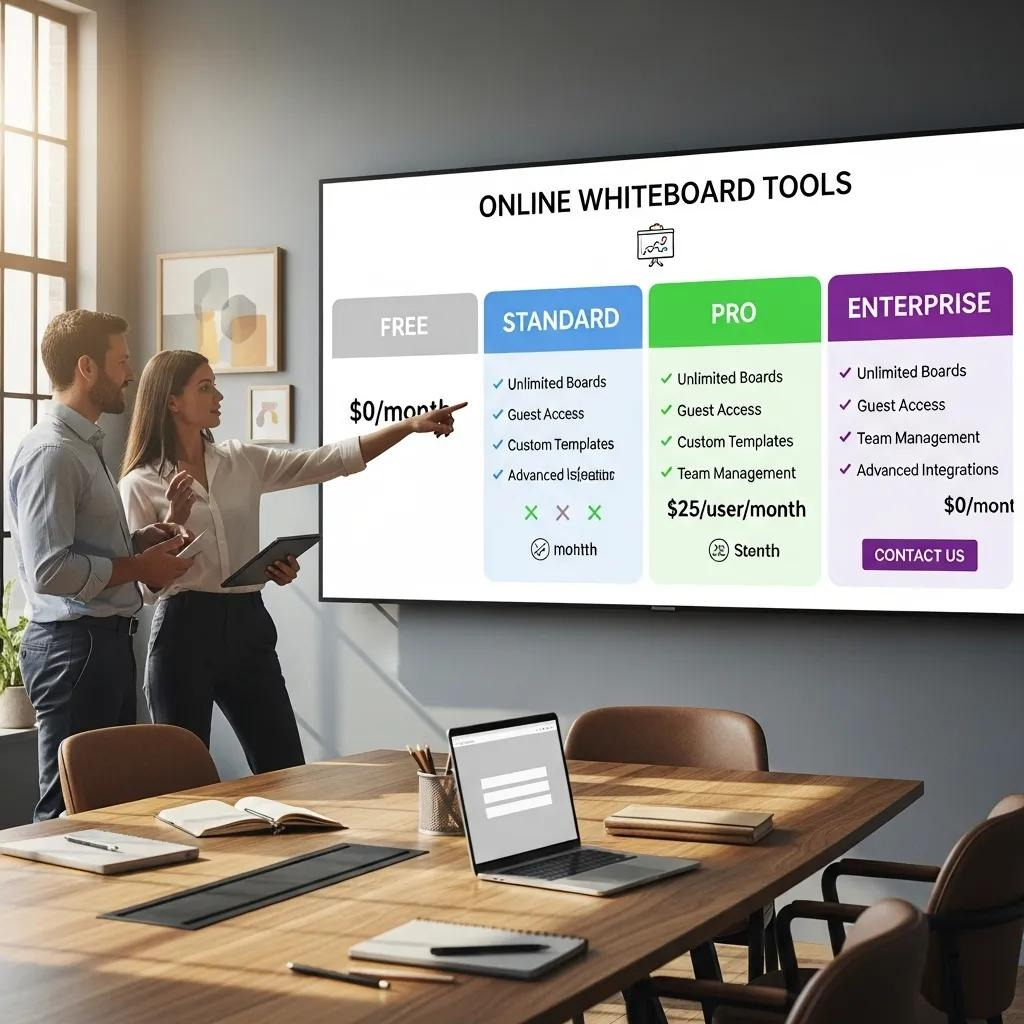
Knowing how these tools are priced helps teams match features to budget. Below is a quick overview of common tiers and starting costs to guide your comparison.
How Do Pricing Tiers Compare Across Popular Collaboration Platforms?
Pricing varies with feature sets and team size. For example, Miro offers a free tier with limited functionality and paid plans that begin at $8 per user per month when billed annually for more advanced capabilities. Mural also has a free option and paid plans that start around $12 per user per month when billed annually. Lucidspark includes a basic free tier, with paid plans starting at about $7.95 per user per month when billed annually for full feature access.
Tool | Free Plan | Starting Paid Plan | Features Included in Paid Plan |
|---|---|---|---|
Miro | Available (free tier) | $8/user/month | Enhanced templates, integrations, and advanced collaboration features |
MURAL | Available (free tier) | $12/user/month | Visual collaboration tools, method frameworks, and templates |
Lucidspark | Available (free tier) | $7.95/user/month | Full access to all features |
Use this side-by-side to weigh which features you need most against your budget and team size.
Why Choose AI-Enhanced Tools Like Ponder?
AI-first platforms like Ponder help teams work smarter by unifying discovery, reading, analysis, synthesis, and creation in one seamless cognitive workspace—eliminating the need to switch tools. Through progressive knowledge generation, information unfolds gradually as you explore, and outputs can be exported as presentation decks, interactive reports, or structured documents for future use.
Overall, the impact of AI on design and ideation workflows points to new ways teams can work faster and more creatively.
How Can Teams Get the Most from Collaborative Brainstorming Software?
Collaborative whiteboards offer big gains when used with a few intentional practices. The right habits help keep sessions focused and turn ideas into progress.
Which Best Practices Help Teams Collaborate Effectively on Digital Whiteboards?
Successful digital collaboration often follows a few simple rules:
Set Clear Goals: Outline the session’s objective up front so everyone knows what success looks like.
Encourage Free Idea Flow: Invite every idea without judgment to build momentum and uncover unexpected possibilities.
Use Templates: Start with templates to structure discussions and speed up the process.
Applying these practices helps teams keep sessions focused, inclusive, and productive.
How Do Mind Mapping Apps Support Knowledge Work and Creative Projects?
Mind mapping apps give teams a visual structure for organizing thoughts and relationships between concepts. By turning ideas into diagrams, these tools improve clarity, memory, and collaboration—making it easier to move from concept to plan.
What Do Users Say About FigJam Alternatives: Reviews and Testimonials
User feedback highlights real strengths and trade‑offs across the alternatives, which can help you pick the right tool for your workflow.
Which Features Get the Most Praise from Knowledge Workers and Creators?
People frequently praise real‑time collaboration, intuitive interfaces, and rich template libraries. These features speed group work, simplify sharing, and reduce friction during brainstorming.
How Do Experiences Differ Between Traditional and AI-Driven Platforms?
Traditional platforms often require more manual organization, which can slow down ideation. AI-driven platforms like Ponder automate routine tasks and suggest connections, helping sessions move faster and feel more productive. Many users report higher satisfaction with AI-enhanced tools because they make it easier to explore ideas and take action.
To learn more about specific capabilities, you can view the whiteboard AI features.
Frequently asked questions
What is the best free alternative to FigJam?
The best free alternatives to FigJam are Miro (free plan with 3 editable boards and unlimited viewers), Excalidraw (fully free, open-source infinite canvas optimized for hand-drawn diagrams), and tldraw (free, open-source whiteboard with clean UX). For design teams already using Figma, FigJam is free with any Figma plan — if you're looking for a FigJam replacement, the real question is whether you need a standalone collaborative tool or a full design-to-presentation stack. Ponder offers a free trial for teams that need a canvas for synthesizing research alongside visual collaboration.
How does FigJam compare to Miro?
FigJam and Miro both offer infinite-canvas collaboration, but serve different audiences. FigJam is tightly integrated with Figma — best for design teams that want to ideate and hand off within the same ecosystem. It's simpler, with fewer templates (though Figma's library is large), and its sticky notes and voting tools are optimized for design sprints. Miro is more versatile: 2,500+ templates, 100+ integrations (Jira, Slack, Notion, Asana), and better for non-design teams running remote workshops, project mapping, or agile ceremonies. Miro starts at $10/user/month; FigJam is included in Figma's paid plans ($15+/user/month). Choose FigJam if your team lives in Figma; choose Miro for cross-functional collaboration.
What is the best FigJam alternative for remote brainstorming?
For remote brainstorming, Miro is the strongest FigJam alternative — it supports large teams (100+ simultaneous users), has dedicated facilitation features (timers, voting, presentation mode), and integrates with every major workspace tool. MURAL is also excellent for facilitated workshops with its Facilitation Superpowers mode and guided templates. Figjam itself and Whimsical are better for smaller, design-focused sessions. For knowledge-intensive brainstorming where teams need to synthesize research or documents as part of the session, Ponder's AI canvas adds semantic linking and AI-powered synthesis on top of the visual workspace.
Is there an open-source alternative to FigJam?
Yes, several open-source tools replicate FigJam's whiteboard functionality. Excalidraw is the most popular — a free, open-source virtual whiteboard with an intentionally hand-drawn aesthetic, real-time collaboration, and self-hosting support. tldraw is a newer open-source option with a cleaner interface and developer SDK for embedding. draw.io (diagrams.net) is open-source and handles more structured diagrams (flowcharts, network diagrams, UML). These tools work well for teams with privacy requirements or who want to self-host. None yet match FigJam's Figma integration, but for teams not in the Figma ecosystem, Excalidraw covers most collaborative whiteboarding needs at zero cost.
Can I use FigJam alternatives for design handoffs?
FigJam itself is not a design handoff tool — it's a whiteboard for collaboration. For design handoffs, the alternatives depend on your stack. If you mainly need whiteboarding + handoff in one tool, stay in the Figma ecosystem (FigJam for ideation → Figma for design → developer inspect mode for handoff). If you want a separate whiteboard, Miro can embed Figma designs and export structured notes. Zeplin and Avocode are dedicated handoff tools that connect to Figma, Sketch, and Adobe XD. For teams using whiteboards to plan content and research workflows (rather than UI design), Ponder connects canvas-based ideation directly to sourced knowledge and export-ready summaries.
See also: Whimsical Alternatives | Best Miro Alternatives | Best Mural Alternatives | Best Brainstorming Tools | Best NotebookLM Alternatives