
Idea Mapping Examples: How to Create and Use Mind Maps for Visual Idea Organization
 ·7/2/2026·8 min read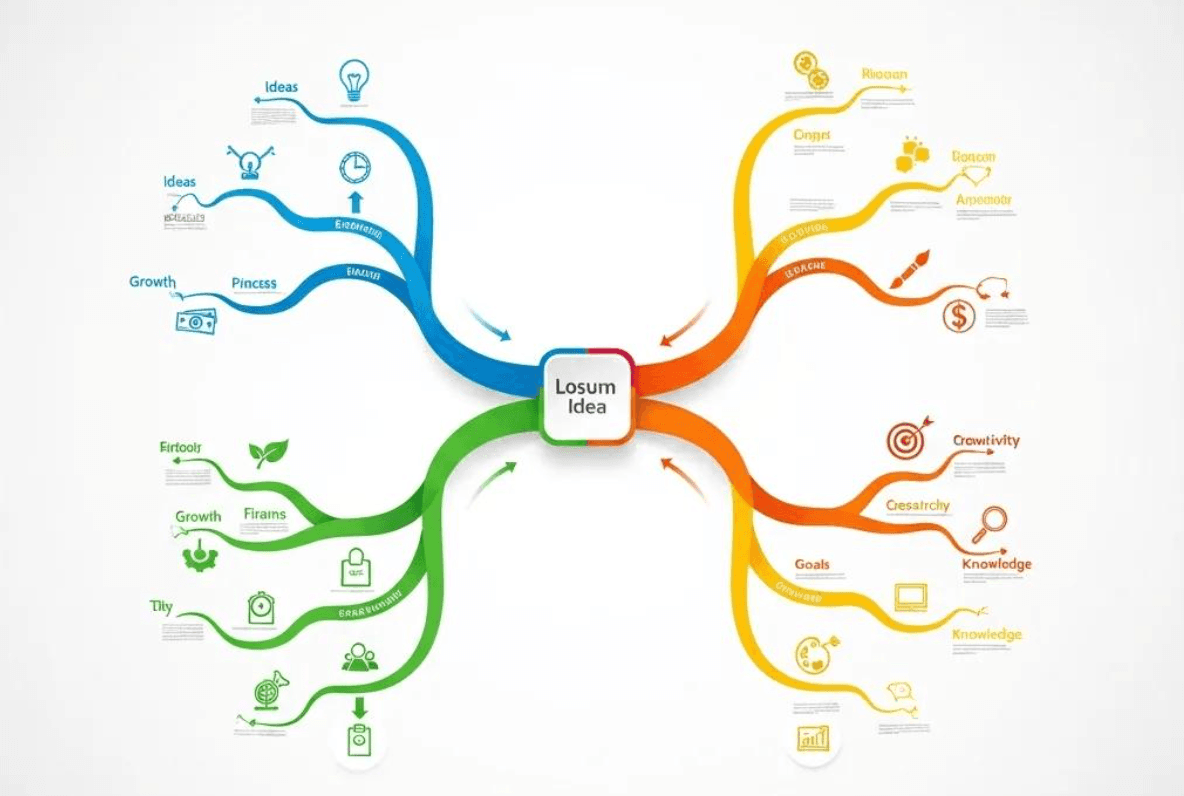
Idea mapping is a powerful technique that enhances the way we organize and visualize our thoughts. By using mind maps, individuals can break down complex ideas into manageable components, fostering creativity and clarity. This article will explore various idea mapping examples, focusing on how to create effective mind maps and their applications in brainstorming, project planning, and visual knowledge organization. Many people struggle with organizing their thoughts, leading to confusion and inefficiency. Mind maps provide a structured solution, allowing users to visualize relationships and hierarchies among ideas. We will delve into the key components of mind maps, step-by-step creation guides, and specific examples that illustrate their benefits.
Quick answer: Idea mapping helps you externalize and connect thinking across complex topics. Strong examples include spider maps (one central concept with radiating branches), tree diagrams (hierarchical breakdown of a topic), and network maps (non-linear, bidirectional connections). For researchers and students, the most powerful idea maps combine visual structure with linked source material — which is exactly what Ponder's canvas enables: mind map-style organization where each node connects to an actual document or evidence trail.
What Are Mind Map Examples and Their Key Components?
Mind maps are visual representations of information that help organize thoughts and ideas in a structured manner. They consist of a central idea, branches that represent related topics, and sub-branches that further elaborate on those topics. This format enhances understanding and retention by visually displaying relationships between concepts. The primary benefit of mind maps is their ability to simplify complex information, making it easier to analyze and recall.
What Are the Main Elements of a Mind Map?
Central Idea: The core concept that the mind map revolves around, typically placed at the center of the diagram.
Branches: Lines that extend from the central idea, representing major themes or categories related to the topic.
Subtopics: Additional branches that break down the main branches into more specific ideas or details.
Visual Elements: Colors, images, and symbols that enhance the map's clarity and engagement.
These components work together to create a comprehensive visual tool that aids in understanding and organizing information.
How Do Mind Maps Enhance Visual Idea Organization and Brainstorming?
Mind maps significantly enhance visual idea organization by providing a clear structure that promotes better understanding and retention of information. They facilitate brainstorming by allowing users to freely explore ideas without the constraints of linear thinking. This method encourages creativity, as individuals can easily connect disparate concepts and identify relationships. For example, a brainstorming session using a mind map can lead to innovative solutions by visually linking ideas that may not have been considered in a traditional list format.
How to Create a Mind Map: Step-by-Step Guide for Effective Idea Mapping
Creating a mind map involves a systematic approach that maximizes its effectiveness. By following a structured process, users can ensure that their mind maps are comprehensive and useful.
What Are the Best Practices for Structuring a Mind Map?
Start with a Clear Central Idea: Define the main topic clearly to guide the development of branches.
Use Colors and Images: Incorporate different colors and visuals to differentiate between branches and enhance memory retention.
Maintain a Logical Flow: Organize branches in a way that reflects the relationship between ideas, ensuring a coherent structure.
Incorporate Feedback: Share your mind map with others to gain insights and improve its clarity and effectiveness.
These practices help create a mind map that is not only visually appealing but also functional and informative.
How Can AI Tools Like Ponder Assist in Mind Map Creation?
AI tools like Ponder can significantly enhance the mind mapping process by providing features that streamline idea generation and organization. Ponder offers an infinite canvas for users to explore and connect their thoughts visually. Its AI capabilities assist in structuring mind maps by suggesting relevant connections and summarizing complex information. This integration of technology allows users to focus on creativity while the tool handles the organizational aspects, making the mind mapping process more efficient and effective.
Further research highlights how AI-enhanced digital mind mapping can specifically foster creative thinking, particularly in educational settings.
What Are Brainstorming Mind Map Examples and Their Benefits?
Brainstorming mind maps are specific applications of mind mapping that focus on generating ideas and solutions. They are particularly useful in collaborative settings where multiple perspectives can enhance creativity.
How Do Brainstorming Mind Maps Facilitate Idea Generation?

Brainstorming mind maps facilitate idea generation by providing a flexible framework for exploring various concepts. They encourage free thinking and allow participants to visualize connections between ideas, which can lead to innovative solutions. For instance, during a team meeting, a brainstorming mind map can help identify potential projects by linking related themes and concepts, fostering a collaborative environment.
What Are AI-Enhanced Brainstorming Techniques Using Mind Maps?
AI-enhanced brainstorming techniques leverage tools like Ponder to optimize the idea generation process. These techniques may include:
Automated Idea Suggestions: AI can analyze existing ideas and propose new ones based on patterns and trends.
Real-Time Collaboration: Teams can work together on a mind map simultaneously, with AI facilitating discussions by highlighting connections.
Data-Driven Insights: AI tools can analyze previous brainstorming sessions to identify successful strategies and areas for improvement.
These advanced techniques enhance the brainstorming process, making it more productive and innovative.
Studies further demonstrate the impact of advanced AI-enhanced systems, such as those incorporating mixed reality, on collaborative ideation and creative output.
To explore the various features and plans available, visit the Ponder pricing page for detailed information on subscription options.
How to Use Project Planning Mind Maps for Visual Roadmaps and Task Management
Project planning mind maps are invaluable for organizing tasks and visualizing project timelines. They help teams break down complex projects into manageable components, ensuring clarity and focus.
What Are Effective Project Planning Mind Map Examples?
Effective project planning mind maps typically include:
Project Goals: Clearly defined objectives that guide the planning process.
Milestones: Key points in the project timeline that indicate progress.
Tasks and Responsibilities: Specific actions assigned to team members, organized by priority and deadline.
By visually representing these elements, project planning mind maps provide a clear roadmap for successful project execution.
How Does AI Improve Project Planning Through Mind Mapping?
AI project planning tools enhance project planning through mind mapping by offering features that streamline task management and improve communication. For example, Ponder can help prioritize tasks based on deadlines and dependencies, ensuring that teams stay on track. Additionally, AI can provide insights into potential bottlenecks, allowing teams to address issues proactively. This integration of AI into project planning mind maps leads to more efficient workflows and successful project outcomes.
Ready to streamline your project planning and brainstorming? You can sign up for Ponder today and start transforming your ideas into actionable plans.
What Are Visual Idea Organization Techniques Using Mind Maps?
Visual idea organization techniques using mind maps focus on structuring information in a way that enhances understanding and retention. These techniques are particularly useful for individuals dealing with complex data.
How Do Mind Maps Help Organize Complex Information Visually?
Mind maps help organize complex information visually by breaking down large amounts of data into smaller, more digestible parts. This approach allows users to see the relationships between different concepts, making it easier to analyze and understand the information. For example, a mind map can be used to outline a research project, with branches representing different sections of the paper, helping to clarify the overall structure.
What Are AI-Powered Features for Visual Knowledge Mapping?
AI-powered features for visual knowledge mapping include:
Intelligent Data Extraction: AI can identify key concepts from large datasets and suggest how they can be organized in a mind map.
Dynamic Updates: As new information becomes available, AI tools can automatically adjust the mind map to reflect changes, ensuring that users always have the most current data.
Enhanced Visualization: AI can create visual representations of data that highlight important trends and relationships, making complex information more accessible.
These features significantly enhance the effectiveness of visual knowledge mapping, allowing users to manage and understand information more efficiently.
For more in-depth articles, tips, and updates on mind mapping and AI tools, be sure to check out the official Ponder blog.
See also: What is mind mapping used for | Types of mind maps | How to make a concept map
Frequently asked questions
What is idea mapping and how is it different from mind mapping?
Idea mapping and mind mapping are closely related — both use visual node-link diagrams to organize ideas. The distinction is primarily in purpose and rigidity: mind maps have a strict hierarchical structure radiating from a central node (popularized by Tony Buzan with specific formatting conventions). Idea mapping is a broader, more informal term for any visual thinking technique that externalizes and connects ideas — it may include free-form sketches, concept maps, affinity diagrams, or looser radial arrangements. In practice, "idea mapping" and "mind mapping" are often used interchangeably in business contexts. The key shared benefit: both force you to externalize and connect ideas rather than holding them linearly in a list or paragraph.
What are some good idea mapping examples for students?
Effective idea mapping examples for students: (1) Essay planning: central node = essay title, branches = main argument points, sub-branches = evidence and examples for each. Build before writing to test argument structure. (2) Exam preparation: central node = topic name, branches = key concepts, sub-branches = definitions, examples, connections to other topics. (3) Reading comprehension: central node = book/article title, branches = main themes, sub-branches = key arguments and quotes. (4) Project planning: central node = project goal, branches = major tasks, sub-branches = steps and deadlines. (5) Literature review organization: central node = research question, branches = themes in the literature, sub-branches = papers addressing each theme. Tools: Coggle (free), MindMeister (free), draw.io (free).
What is the best tool for creating idea maps?
Best idea mapping tools by use case: Quick, collaborative: Miro (free 3 boards, real-time collaboration) or Coggle (free 3 maps, simple sharing link). Structured academic maps: XMind (free desktop, multiple map formats, outline view for thesis planning). Visual presentations: Canva (free, polished templates for idea maps you'll present). AI-generated maps: Whimsical AI or MyMap.ai (generate from text prompts). Research-connected maps: Ponder (canvas for connecting ideas directly from imported papers and documents). The "best" tool depends on whether you need collaboration, AI assistance, presentation quality, or document integration.
How many ideas should an idea map have?
Effective idea maps typically have 5-9 main branches from the center, with 2-3 levels of sub-branches. Research on cognitive load suggests: fewer than 5 main branches may not provide enough structure; more than 7-9 becomes visually complex and hard to absorb as a whole. For brainstorming sessions, you might start with 15-20 raw ideas, then cluster them into 5-7 themes as main branches. Too many branches suggests the map needs to be split into multiple linked maps — rather than one overwhelming map, use a hierarchy of maps (overview map → detail maps per section). For student essay planning, 3-5 main branches typically correspond to the main body paragraphs.
Can idea maps replace note-taking for lectures and reading?
Idea maps can complement but not fully replace traditional note-taking. They work best when you control the pace (reading, review, brainstorming) rather than in real-time fast lectures. For reading notes, idea maps are excellent — you can build the map as you read, adding branches when you identify connections. For live lectures, linear note-taking is usually more practical (you can't map fast enough under time pressure), but reviewing and converting linear notes to a map afterward is highly effective for retention. The combination that many researchers use: linear notes during reading/lectures + convert to visual map during review to consolidate understanding.
See also: How to Make a Concept Map | Mind Mapping for Academic Research | What Is Mind Mapping Used For? | Best MindMeister Alternatives | Best AI Research Tools for Students