

Manage your subscription
Upgrades, payment methods, invoices and cancellation.
Click your avatar at the bottom left and click Manage Subscription on the card to open the subscription page. Everything below starts from that page.
Upgrade, downgrade or switch billing period
On the subscription page, select the tier you want and click Upgrade, Downgrade, or Switch to annual / Switch to monthly, then check the amount and effective date in the dialog and confirm. A few bank cards will redirect to Stripe for a security check.
- Upgrade: you pay the difference for the remainder of the current billing period on the spot, and the new tier takes effect immediately. From the next billing period, you are charged at the new tier's price.
- Downgrade: takes effect at the start of the next billing period, and is charged at the new price from then. Until then you keep everything the original tier offers.
Permanent credits you bought as a top-up are unaffected by upgrades and downgrades and are kept in full.
Change your payment method
On the subscription page, click Billing next to your current plan to open the Stripe billing page and change the payment method there. The upgrade and downgrade confirmation dialogs also show your current payment method, and Change next to it does the same thing.
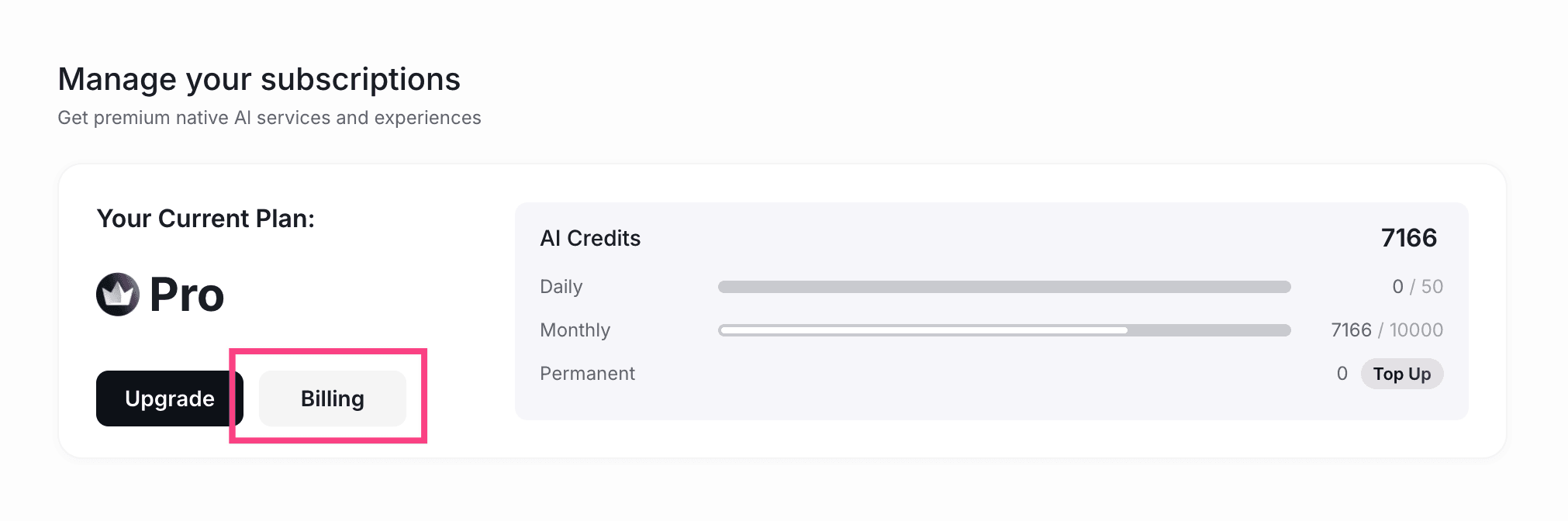
Once you have changed it in Stripe, come back to Ponder and later charges go to the new payment method.
Get an invoice
Click Billing on the subscription page to open the Stripe billing page. Every payment is listed in the billing history, and you can download invoices there.
Cancel your subscription
Click Billing on the subscription page and cancel the subscription on the Stripe billing page.
After cancelling:
- You keep everything your current tier offers until the end of the current billing period.
- When it ends, you return to the Free plan. Compare what each tier offers on the subscription page.
- You will not be charged for a renewal.
- Your projects and files are not deleted. They are still there after the period ends.
- Permanent credits you bought as a top-up do not expire.
For any payment or billing problem, write to info@ponder.ing.
What to read next
- How credits are used and when each of the three kinds resets: read Plans and credits