

Search, Analyze, Draft: where to start
Use your goal to decide whether to start in Search, Analyze or Draft.
On the home page there are three tabs above the input box: Search, Analyze and Draft. They are the three steps of a study in Ponder, and three entry points — any of them can be your starting point.
All three steps use credits; for the rules see Plans and credits.
Start from your goal
The three steps match three different goals in research: Search gives you breadth, Analyze gives you depth, Draft gives you a manuscript.
| Your goal right now | Typical situation | Start here |
|---|---|---|
| Find out "what research exists" | New to a field and want the whole picture fast; want to know where the literature stands on a question; want evidence for an argument | Search |
| Work out "what this research actually says" | A long paper whose structure and argument you want to grasp first; a set of papers whose methods, conclusions and disagreements you want to compare; a topic you want to go deep on with a close reading of the literature | Analyze |
| Write the research up | Literature review, paper, research report | Draft |
If you cannot decide between Search and Analyze, look at what you want: a list of "what research exists on this topic" means Search; a deep understanding of a few papers or a topic means Analyze.
It is fine if your goal spans several steps — say you want to write a review and have no literature yet: start at the earliest step, and the results carry into the next one, as described in "How the three steps connect" below.
Search: see what research exists on a topic
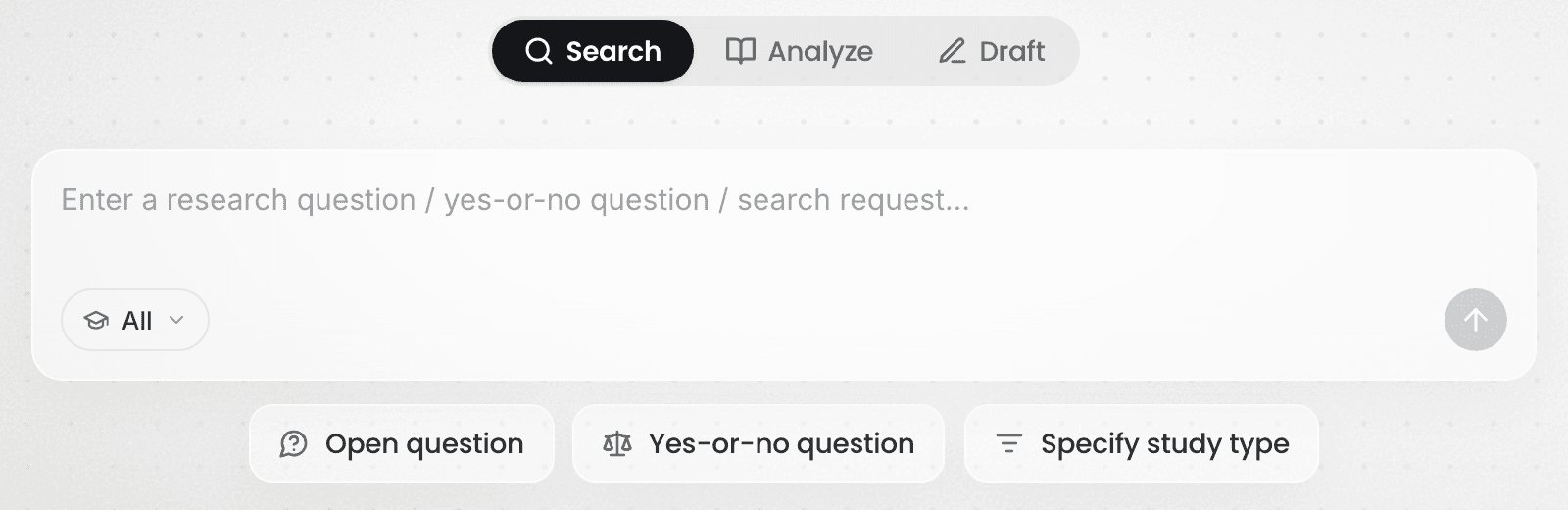
What to put in: one research question. A complete question finds more accurately than a pile of keywords — for example "Does social media use cause depressive symptoms in adolescents?". Open question, Yes-or-no question and Specify study type below the input box offer ready-made phrasings to work from.
What you get: a set of papers ranked by relevance, a key takeaway for each one, and a search review synthesizing them. Every claim in the review carries a marker showing which paper it comes from.
When to switch steps: if you already have a set of papers to read, or want to go deep on a topic, start in Analyze.
For how to do it, see Find the most relevant, usable papers.
Analyze: work out what that research actually says
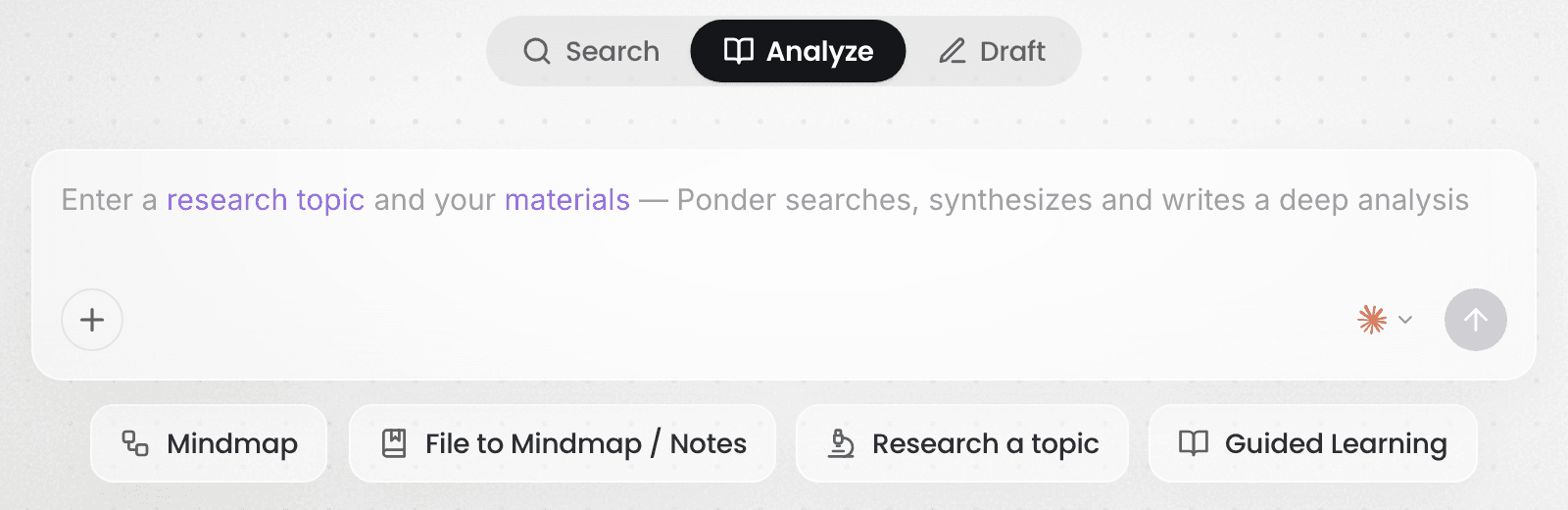
What to put in: documents (PDF, Word, PPT, text), images, audio and video files, YouTube, Bilibili and Rednote video links, or papers saved during Search. You can also give nothing but a research topic and let Ponder search and read across several rounds before handing back an in-depth analysis.
What you get: a mind map, notes, or an in-depth analysis. Where your material is not enough to support it, Ponder searches the literature and brings more in. The most common ways to start are Mindmap, File to Mindmap / Notes, Research a topic and Guided Learning.
When to switch steps: if you only want a first look at what research exists, Search is faster; once your understanding has taken shape and it is time to write, go to Draft.
Draft: write the research up
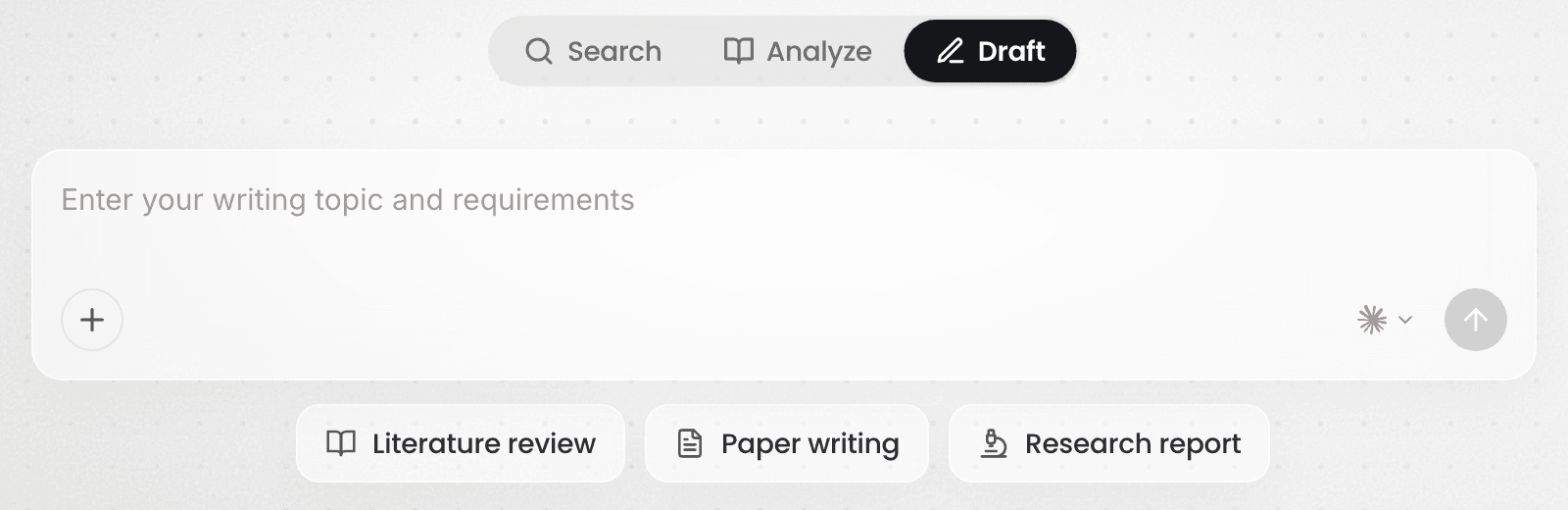
What to put in: your topic and requirements, plus the sources you want cited. Use @ in the input box to reference files in the project, or upload them directly. Before it writes, Ponder confirms the kind of manuscript, its scope and your requirements.
What you get: a manuscript written to academic structure, where every citation corresponds to real literature and opens onto the passage it rests on. The three most common kinds are Literature review, Paper writing and Research report.
The citation scope is yours to set: draw only on the literature already in the project, or let Ponder search freely and bring in more. If you want the manuscript built on what you have read, bring that material into the project first — see Import your sources.
How the three steps connect
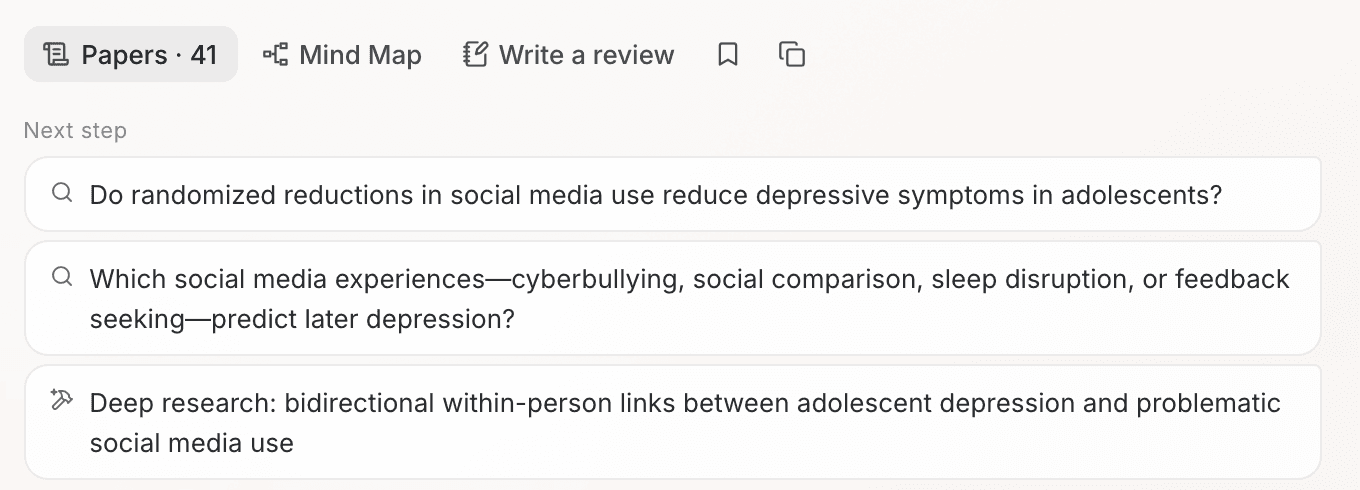
The three steps share one project. Papers saved during Search can be picked directly in Analyze and Draft; mind maps and notes made in Analyze can be cited directly in Draft. Mind Map and Write a review below a search review carry this round's question and papers into the next step.
One project per topic — Ponder also gets to know what you are researching through the files in it, see Projects: how Ponder gets to know your topic.
What to read next
- Starting from a question: read Find the most relevant, usable papers
- Starting from material you already have: read Import your sources
- To first understand how reliable Ponder's output is: read Responsible AI and limitations