

Use skills
Call a skill with "/" to have Ponder follow a complete method.
Normally you tell Ponder what you want in your own words and it works out how to do it. A skill is a complete method Ponder has prepared for one kind of research task, such as deep research or paper writing. Choosing a skill tells it explicitly "do this one by that method": Ponder walks through the steps this kind of task calls for, searching where searching is called for and confirming with you where confirmation is called for.
Using skills uses credits; for the rules see Plans and credits.
Calling a skill
Type "/" in a project's input box and the skill menu opens. It lists every skill currently available, each with a line telling you what it suits. Ponder keeps adding skills, so the menu is the authority.
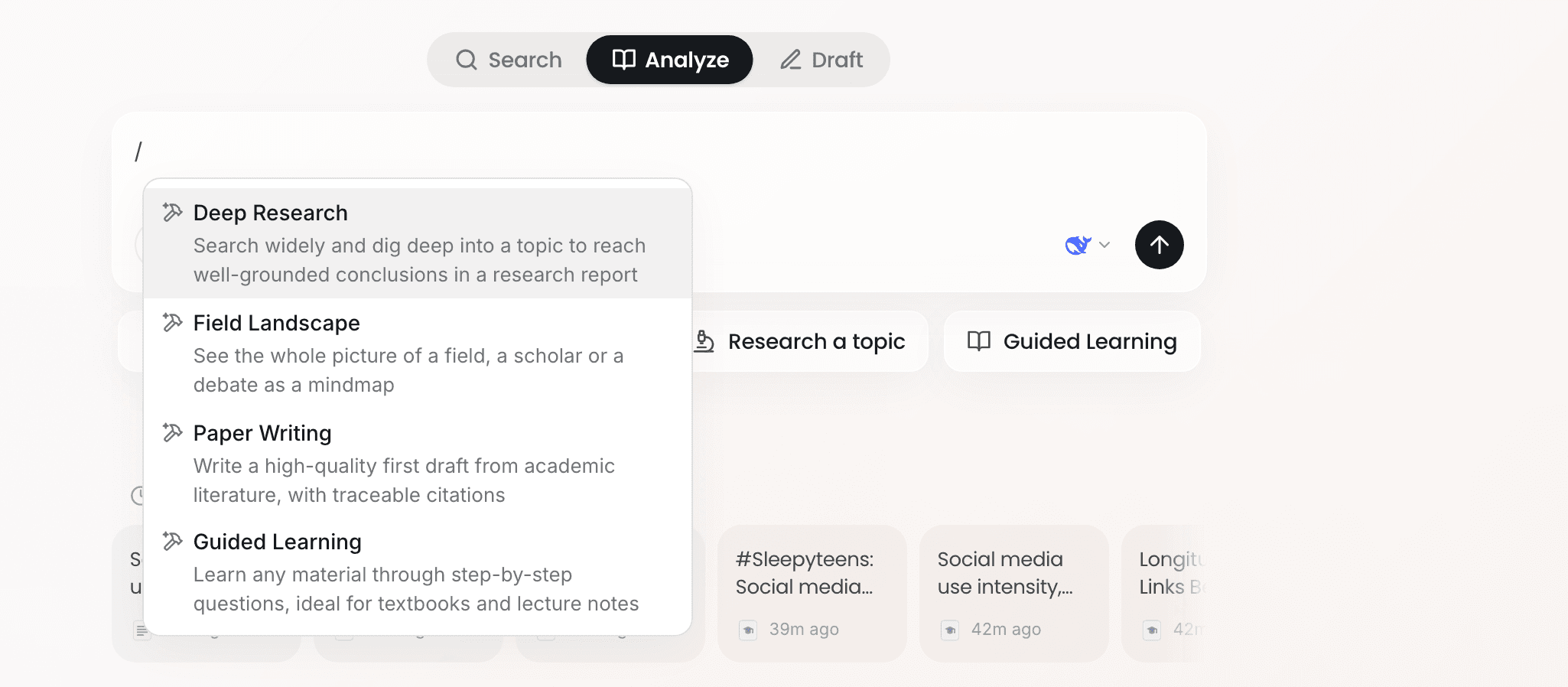
Pick a skill and its chip appears in the input box. Then write your topic and requirements, reference any material you need with @ or upload it, and send.
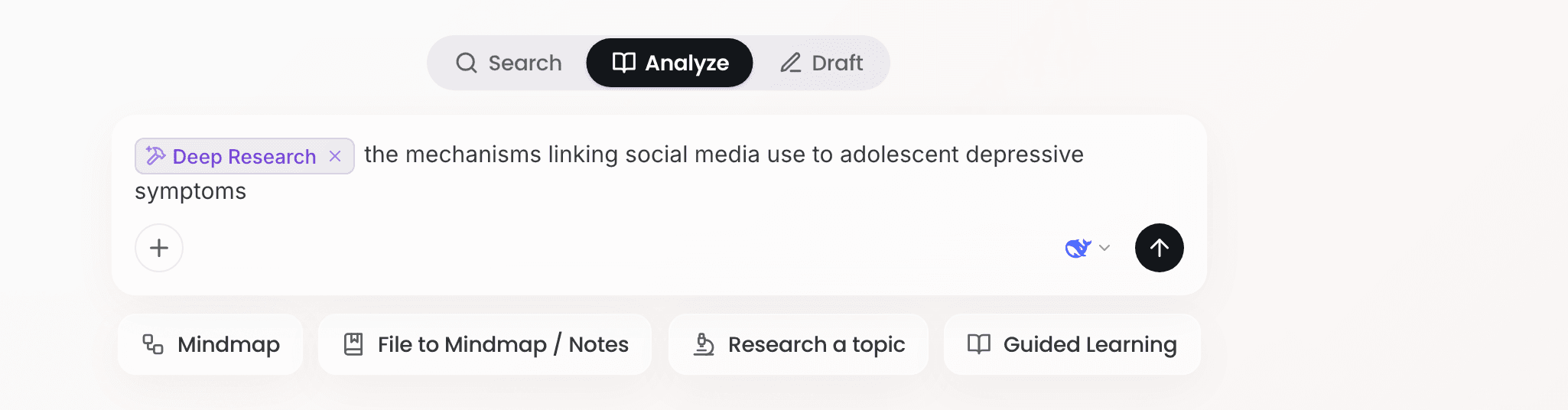
Take the topic "social media use and adolescent depression": type "/", choose Deep Research, write "Mechanisms by which social media use affects depressive symptoms in adolescents: the roles of social comparison, sleep and cyberbullying", and send.
You can also click the "+" in the input box and choose Use a skill, which opens the same menu.
Changing or clearing a skill
One skill per message. To change it, type "/" again and pick another; to clear it, click the remove control on the chip, and the message goes back to Ponder's own judgment.
How skills relate to the entry points below the input box
When you start a new task there are a few entry points below the input box, such as Research a topic and Literature review. They are shortcuts to skills: clicking one selects the matching skill for you, and some also bring a form that helps you fill in the requirements.
These entry points only appear in a new task. In a conversation already under way, use "/" to call a skill when you want Ponder to run a deep research next, or to write up what you have been discussing.
What to read next
- Have Ponder search and read across several rounds and hand back a research report: read Research a topic in depth
- Write a literature review, paper or research report: read Academic writing
- Still unsure which step to start from: read Search, Analyze, Draft: where to start