

Research a topic in depth
Hand a topic to Deep Research and get a report with citations.
Some topics cannot be answered in one round of search: it takes several searches from different angles, and reading and comparing the key literature, before a well-grounded judgment can form. Deep Research does all of that for you and hands back a research report with citations.
Deep Research uses credits; for the rules see Plans and credits.
Starting a deep research run
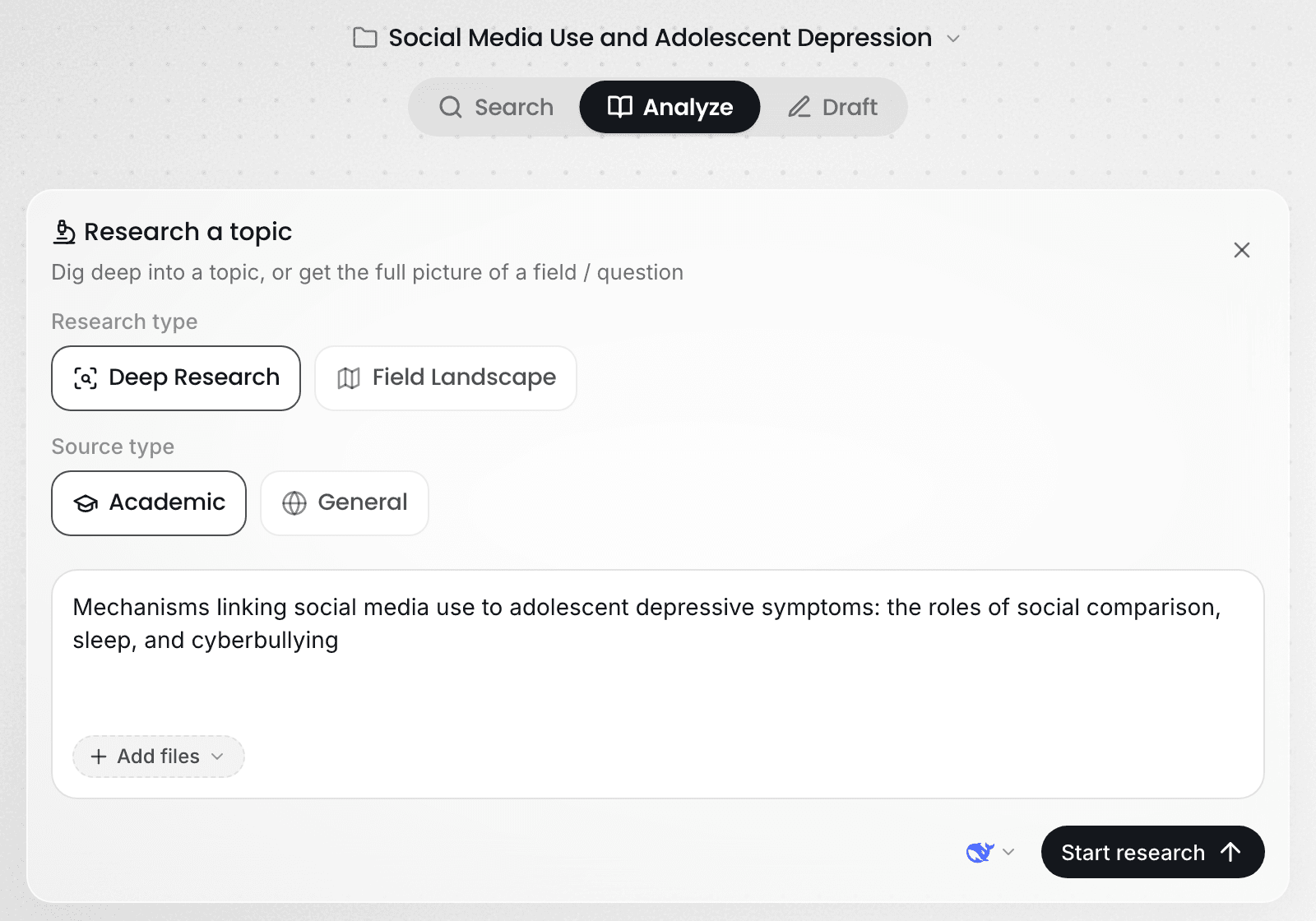
Choose Analyze above the input box, click Research a topic, and set "Research type" to Deep Research.
Write the topic you want researched in the input box. The more specific the topic, the more focused the report: instead of "social media and adolescent depression", write "Mechanisms by which social media use affects depressive symptoms in adolescents: the roles of social comparison, sleep and cyberbullying".
If you have relevant papers or notes of your own, put them under "Reference files". Ponder works from them first and searches for what is missing. "Source type" defaults to Academic, searching the academic literature databases.
You can also start one without the form: type "/" in any conversation's input box, choose Deep Research, upload or @ the relevant literature, and write your question and requirements in your own words. Use this when a discussion is already under way and you want a deep research run next. For how skills work, see Use skills.
How Ponder runs a deep research
Deep Research works much as a researcher would with an unfamiliar topic: break the question apart, search for each part, read the sources, and synthesize at the end. This takes some time, and you can leave the page while it runs — the research continues, and you find it under Tasks in the project when you return.
- Break the question apart. Ponder splits your topic into sub-questions that need answering separately. The topic in the example would split into lines on social comparison, sleep and cyberbullying.
- Search each part. Each sub-question gets its own search across more than 200 million academic records. Different sub-questions use different search angles, giving far wider coverage than a single search.
- Read the full texts closely. For the key literature it has filtered down to, Ponder fetches the full texts it can get and reads the passages that bear directly on the question: study design, sample, results and the limitations the authors state. It works from the body of the paper, not the abstract alone.
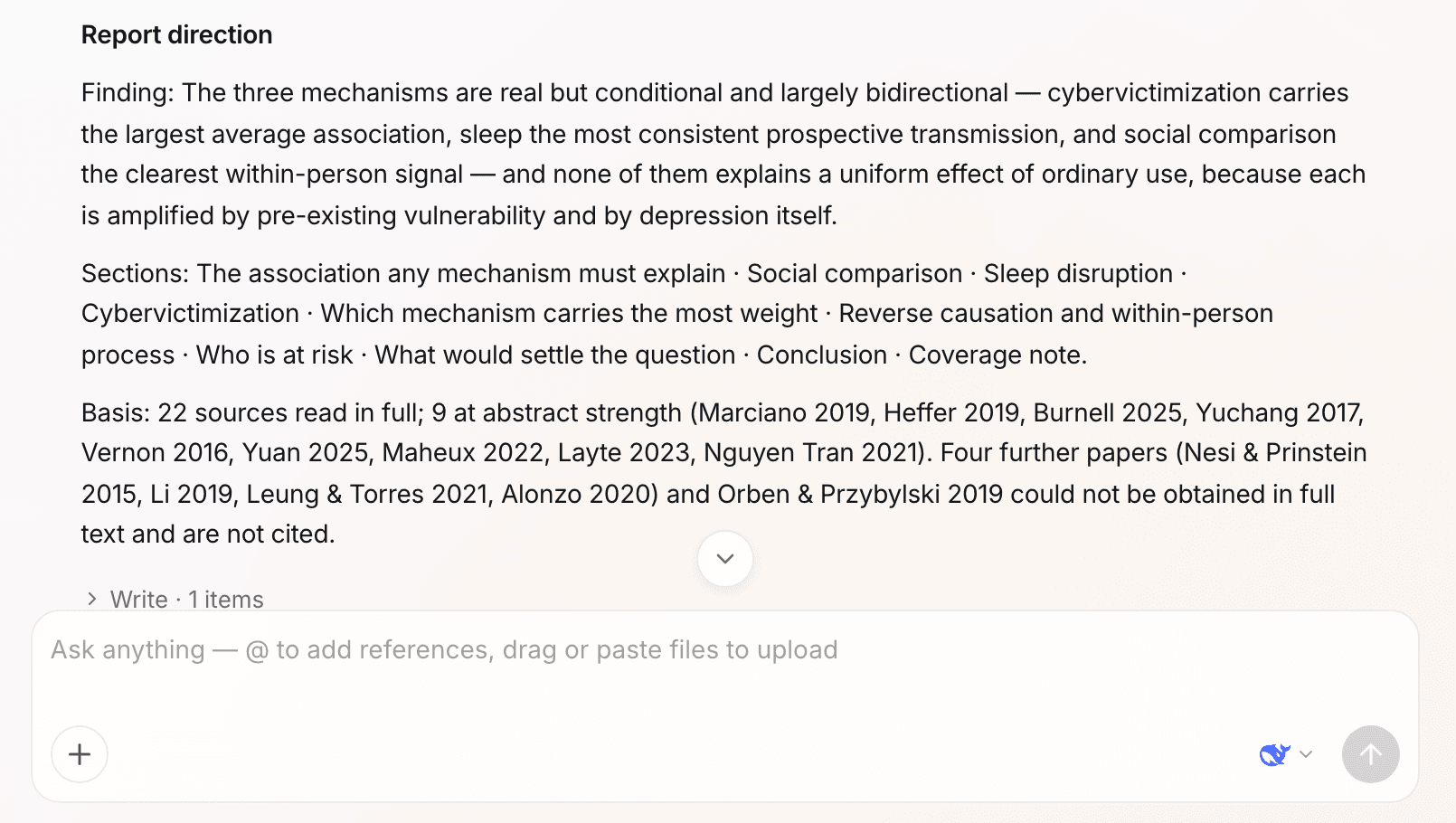
- Synthesize, and set out the direction. Ponder compares the studies against each other: which findings corroborate one another, where they disagree, and where the disagreement comes from. Before it writes, it sets out the report's direction in the conversation: the core conclusions, the section plan and the main evidence. If the direction is not what you had in mind, reply once and it changes accordingly.
The research report you get
The report is saved as a document in the project.
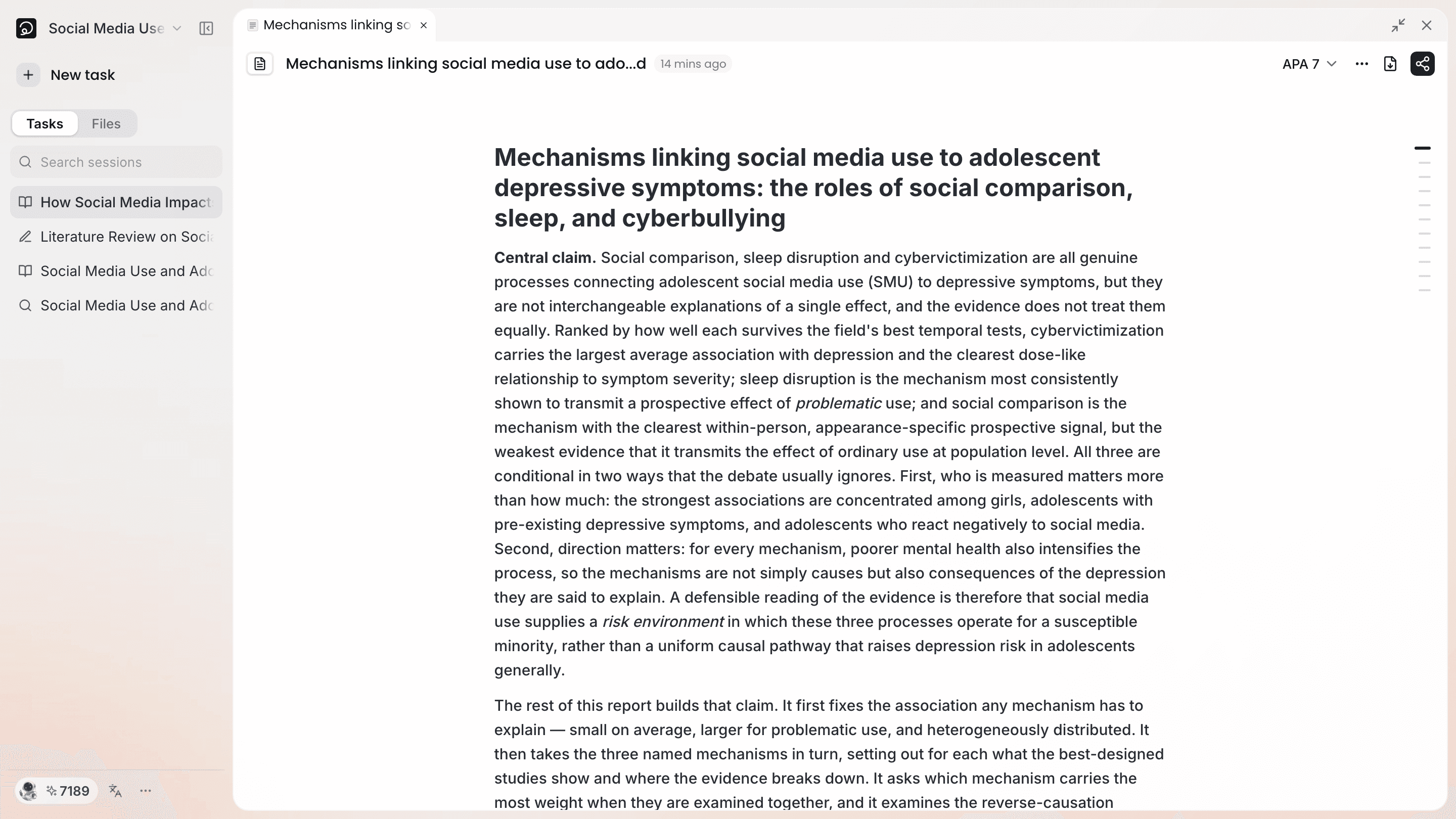
- Conclusions first: it answers your question at the top, then argues it out section by section.
- Every claim attributed: each claim carries a citation you can open to see the passage it rests on.
- The whole evidence picture: consistent findings, contradictory findings and thin evidence are all written out, so you see where the research on this question currently stands.
- The sources it drew on: the report states which literature it used, so you can judge the coverage and add to it.
The report is the starting point for your next step: keep asking along Next step at the end of the response, or use it as source material and hand it to the Draft step to become a review or a paper.
What to read next
- Write the findings in the report into an article: read Academic writing
- Check the citations in the report: read Citations and tracing claims
- You only want a first look at what research exists: read Find the most relevant, usable papers